



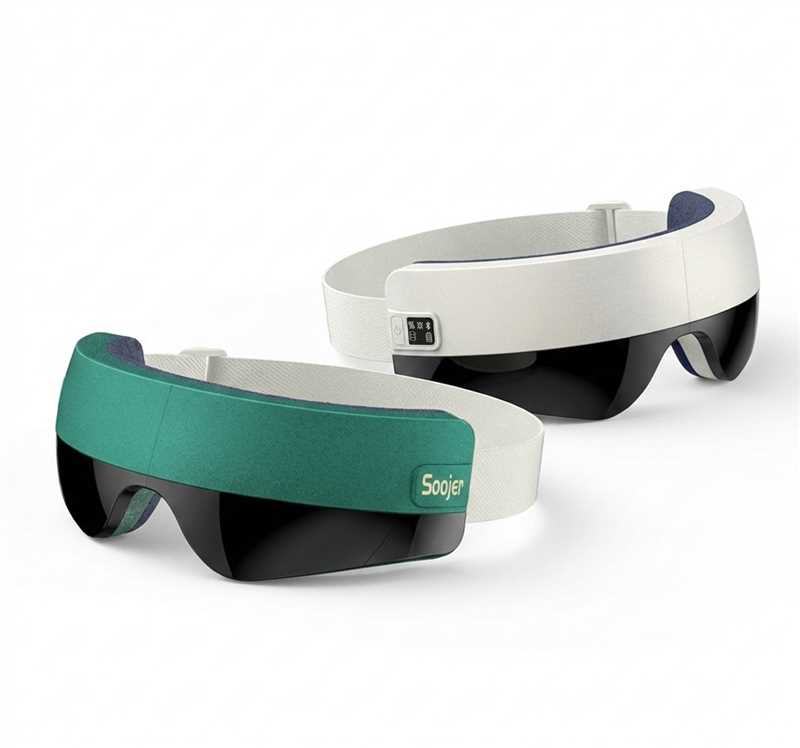
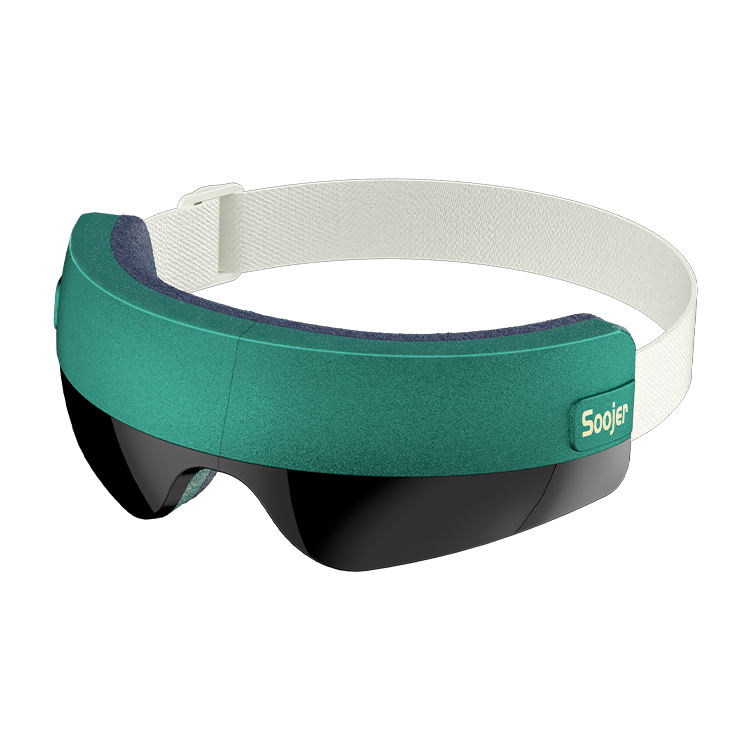
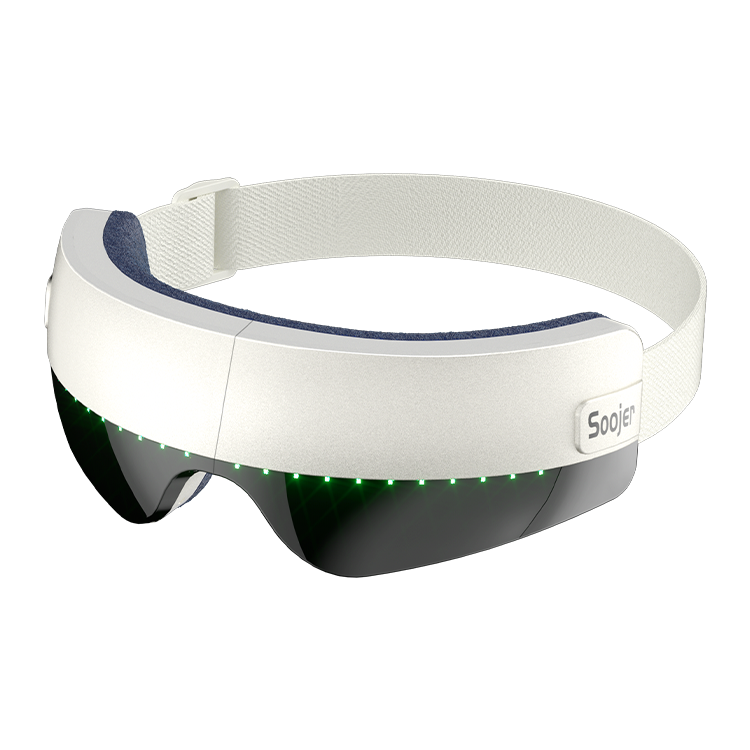

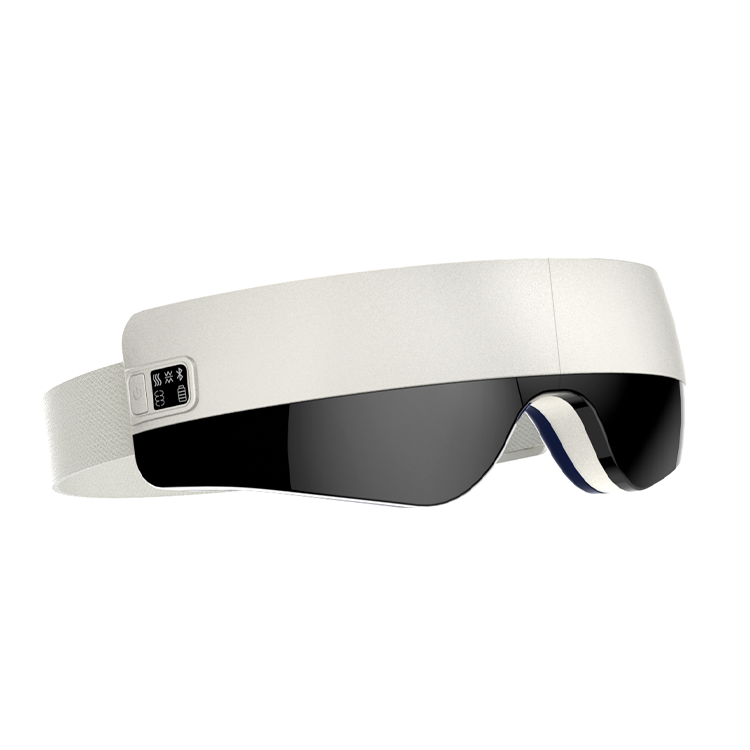
【Summer Sale】Soojer SOMA AI Voice-Controlled Eye Massager
- Free Worldwide Shipping
- 30-Day Money-Back Guarantee
- 3-Year Hassle-Free Warranty
- Lifetime Customer Support
- Safe & Secure Payments
See What Others Are Saying
See What Others Are Saying

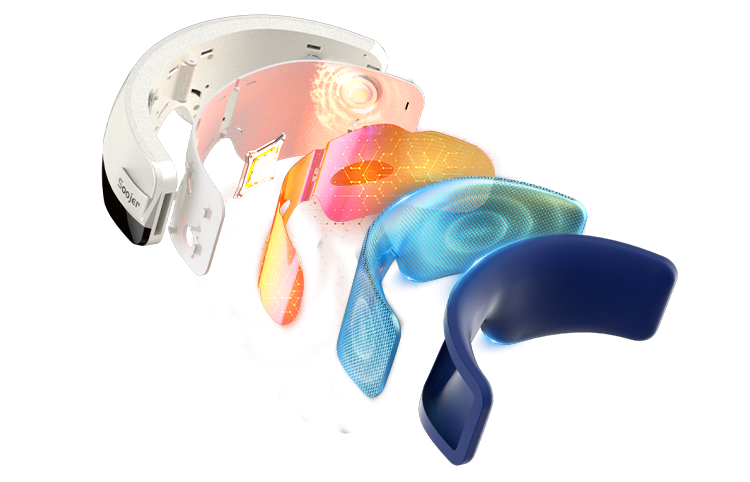
Dynamic layered air pressure system relaxes targeted muscle groups
Effectively helps relieve eye fatigue
Visibly reduces puffiness around the eyes


Intelligent control with voice interaction and adaptive massage logic for comfort that lasts.
A New Horizon in Lasting Comfort


Meet the Next Level of Intelligent Eye Care
Engineered for deep, rhythmic compression.Air pressure, heat, and vibration work in sync for instant eye relief.


Customizable Eye Therapy with 5 Modes & 2 Intensity Settings


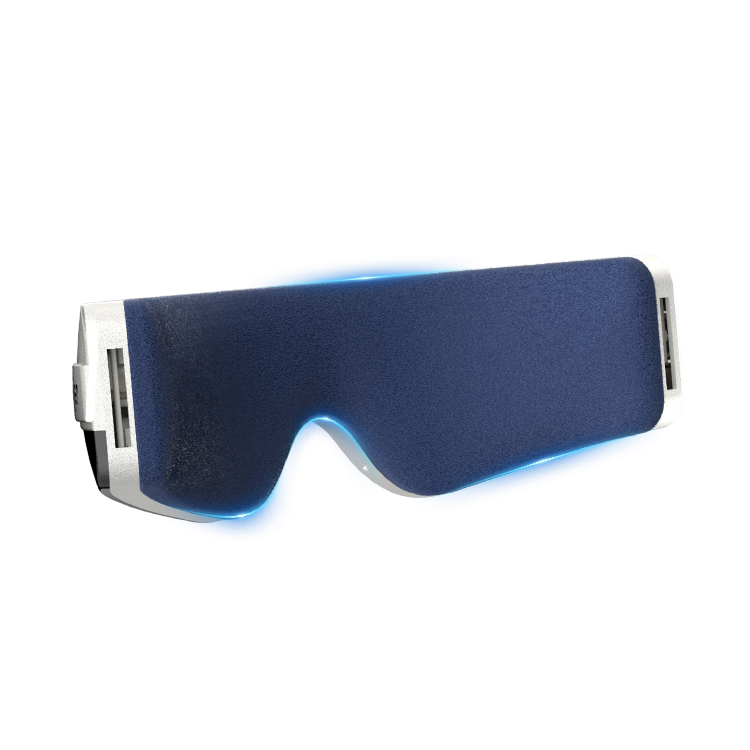
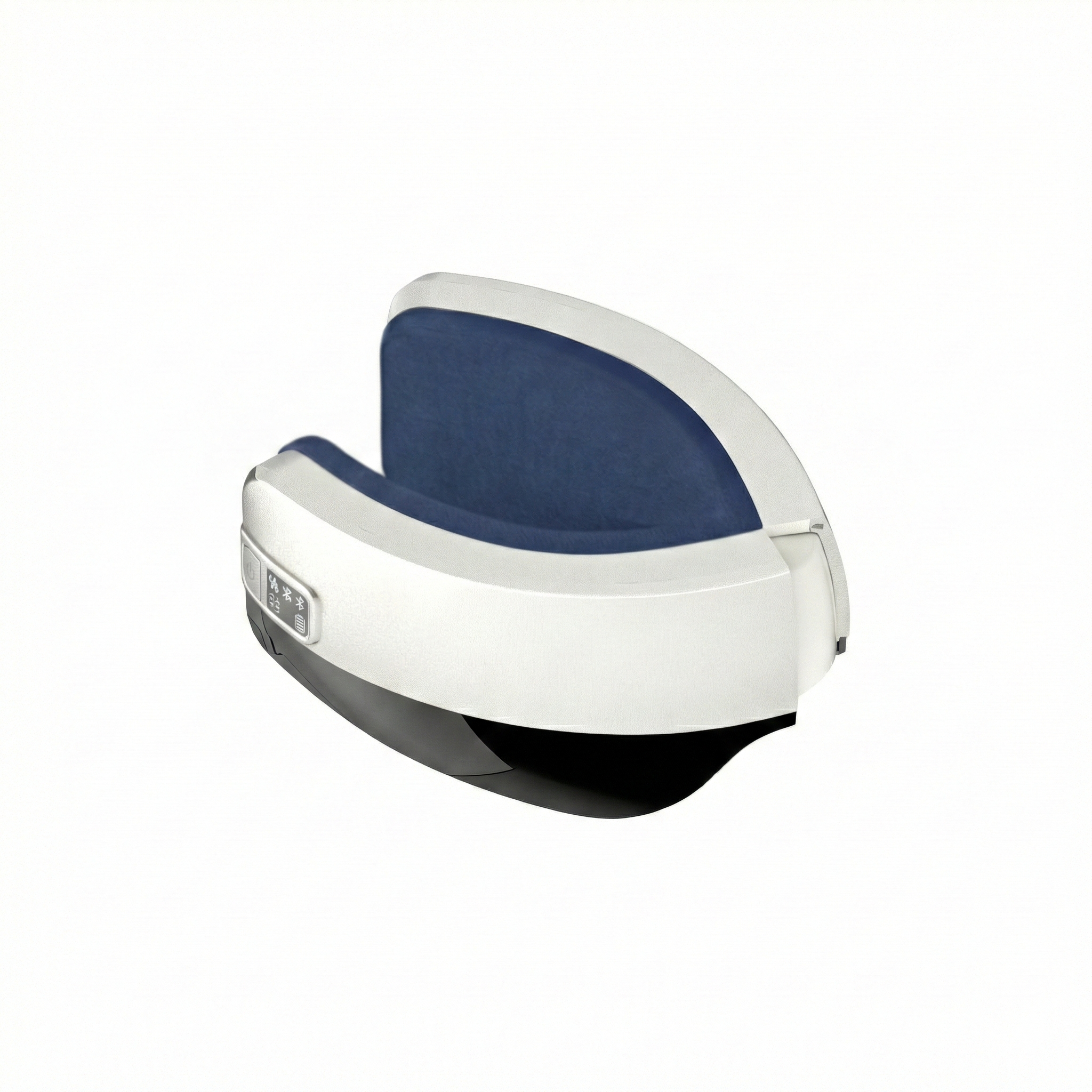
Breathable Velvet Lining
Soft to the touch, airy, and comfortable without heat buildup.


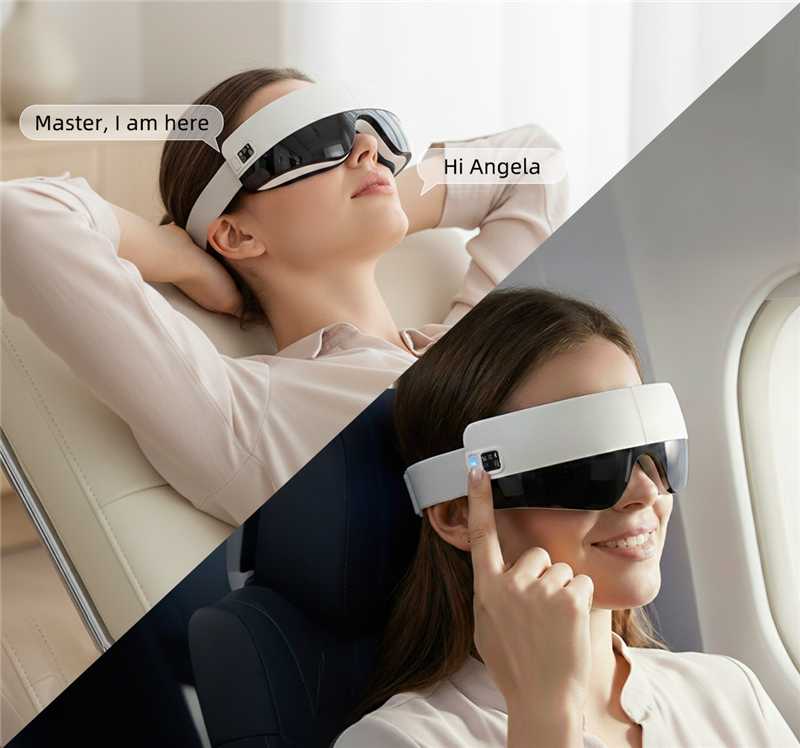
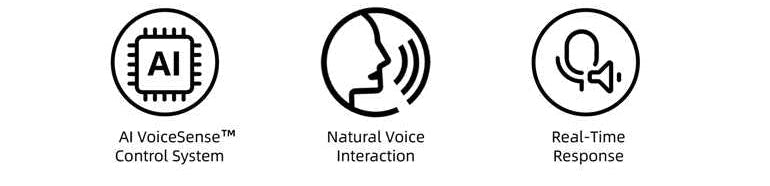
World's First AI Voice-Controlled Eye Care
Hands-free control for deeper, more immersive relaxation.

All-in-One Button Eye Care
Control all modes and intensity with a single intuitive button for effortless operation.

Ultra-Quiet Eye Care
Whisper-silent operation for uninterrupted, deeply relaxing moments.

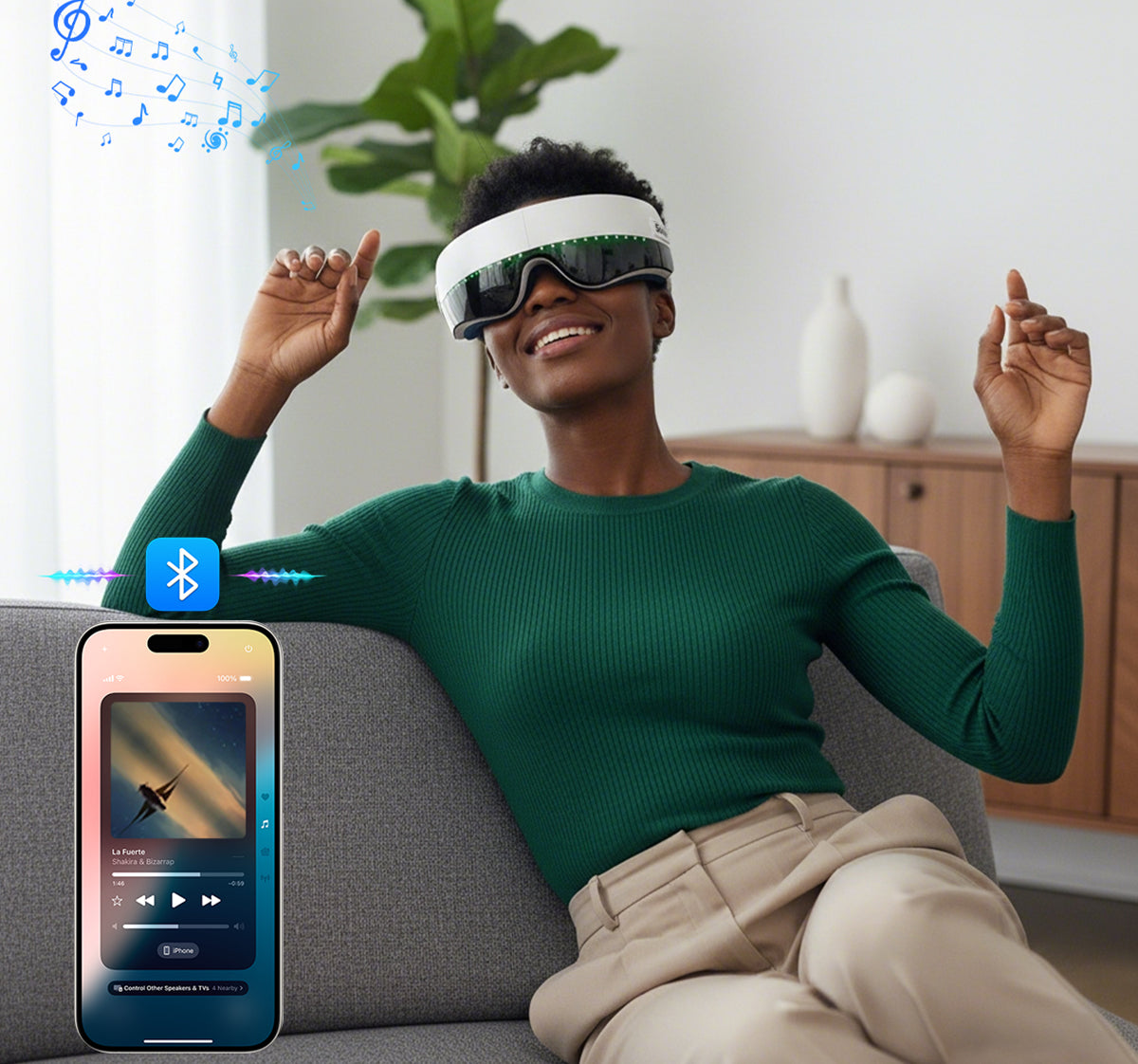
Bluetooth Audio Integration
Stream your personal playlists for a more immersive experience.

Refined Adjustable Strap
Elegantly designed to adapt to different head shapes with a seamless, premium fit.

Long-Lasting Power & Quick Charging
Reliable battery life with quick charging, ideal for on-the-go use.


Step 1 · Charge the Device
Connect the eye massager to a standard 5V–1A power adapter using the included USB cable. The indicator light flashes red while charging and stays solid when fully charged.
Helpful Tips
Recommended usage time: 15 minutes per session. Avoid using for more than one session at a time. Stop use immediately if discomfort occurs.
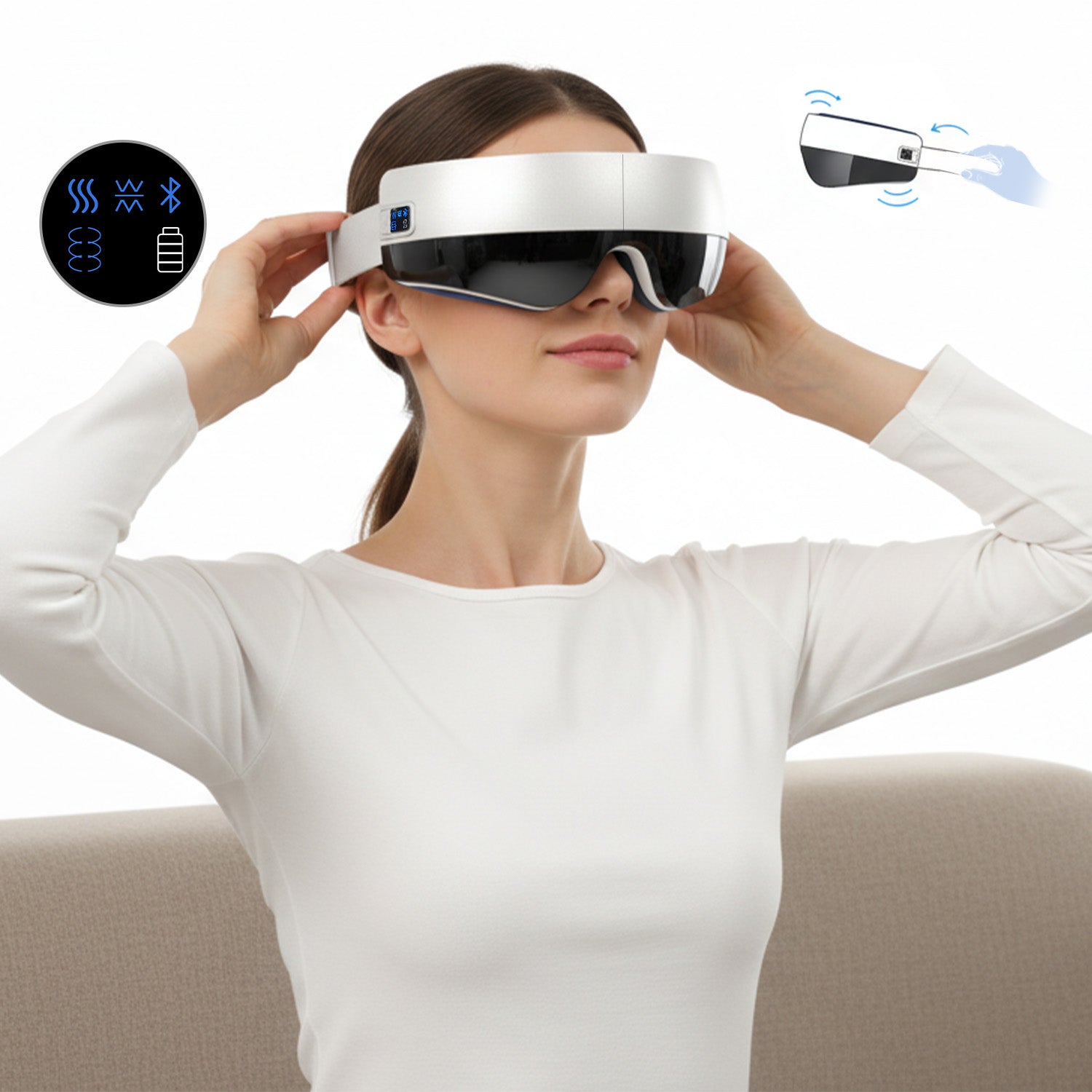
Step 2 · Put It On
Place the eye massager over your eyes and adjust the strap until it feels comfortable and secure. Make sure it fully covers the eye area without pressure or discomfort.
Step 3 · Power On
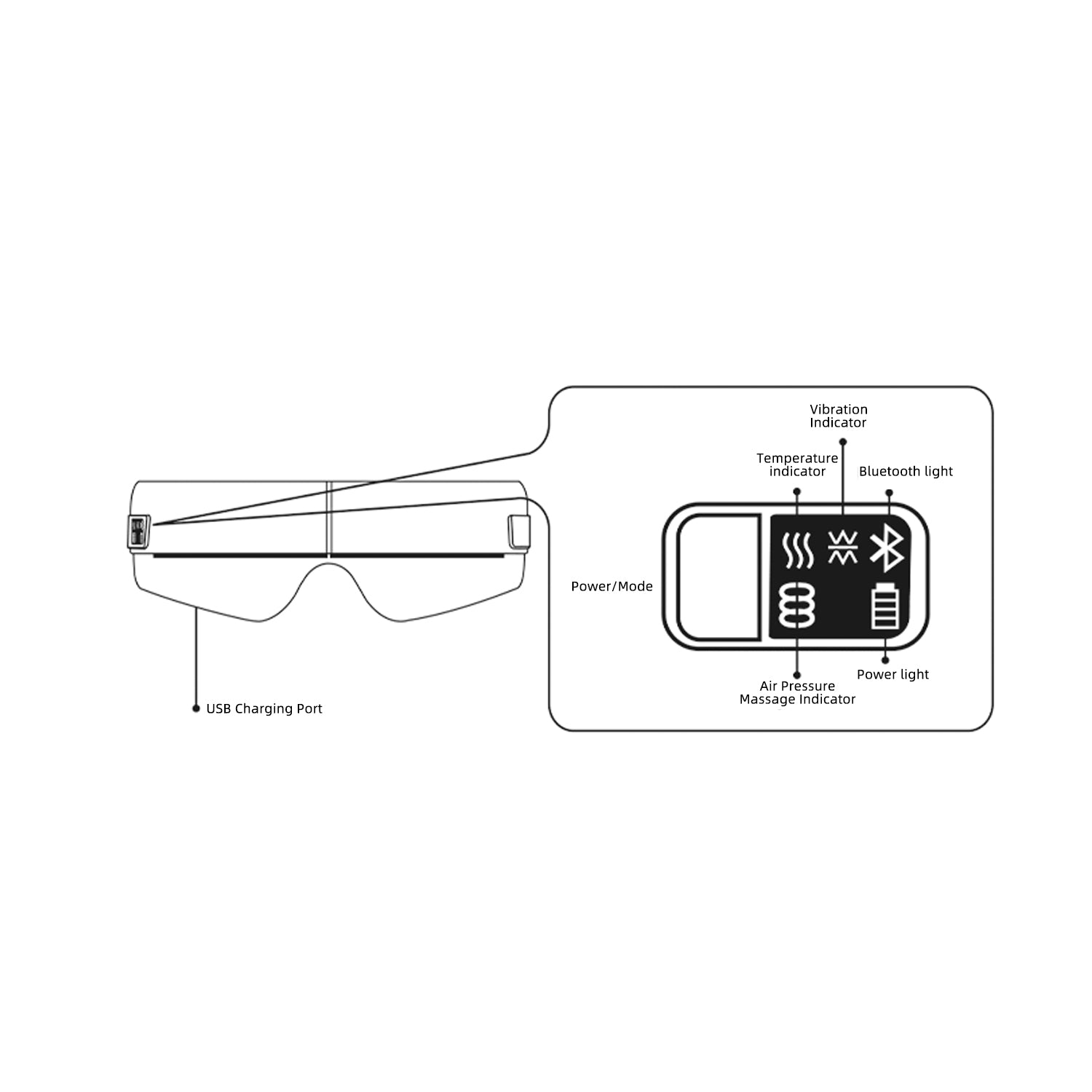
Press and hold the power button for 3–4 seconds to turn the device on. It will start automatically in Integrated Mode at Level 1.
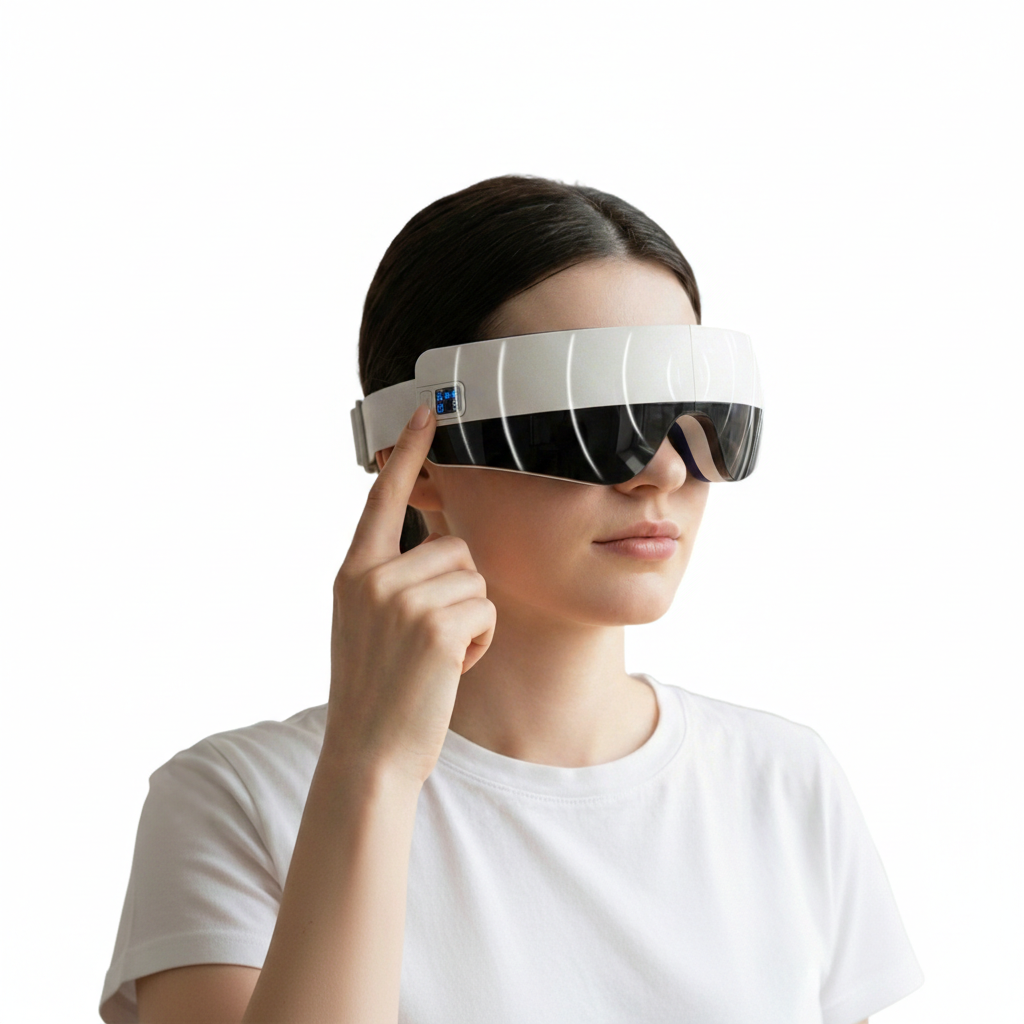
Step 4 · Choose Your Mode
Single click to switch to Level 2.
Double click to change massage modes.
The device supports both manual control and voice control.
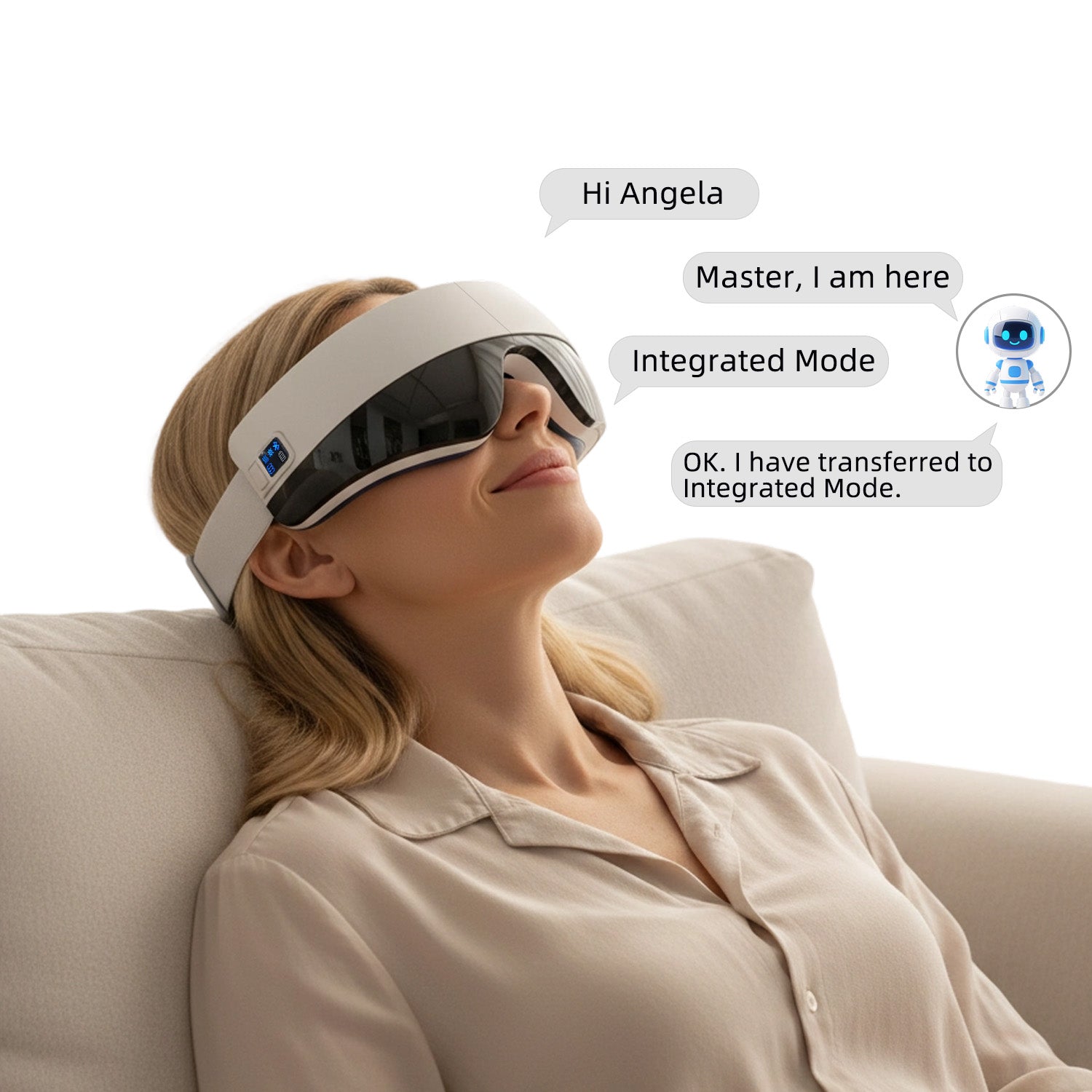
Step 5 · Voice Control
Say “Hello Angela” or “Hi Angela” to activate voice control.
Speak your desired mode within 8 seconds to begin.
Voice Command
· Integrated Mode: Heating + Vibration + Air Pressure Massage
· Soothing Mode: Heating + Vibration Massage
· Vitality Mode: Heating + Air Pressure Massage
· Sleeping Mode: Heating Only
· Kneading Mode: Air Pressure Massage Only (No Heating or Vibration)
Step 6 · Relax and Enjoy
Sit back, close your eyes, and enjoy a 15-minute massage session.
The device will shut off automatically when the session ends.
Step 1 · Charge the Device
Connect the eye massager to a standard 5V–1A power adapter using the included USB cable. The indicator light flashes red while charging and stays solid when fully charged.
Helpful Tips
Recommended usage time: 15 minutes per session. Avoid using for more than one session at a time. Stop use immediately if discomfort occurs.
Step 2 · Put It On
Place the eye massager over your eyes and adjust the strap until it feels comfortable and secure. Make sure it fully covers the eye area without pressure or discomfort.
Step 3 · Power On
Press and hold the power button for 3–4 seconds to turn the device on. It will start automatically in Integrated Mode at Level 1.
Step 4 · Choose Your Mode
Single click to switch to Level 2.
Double click to change massage modes.
The device supports both manual control and voice control.
Step 5 · Voice Control
Say “Hello Angela” or “Hi Angela” to activate voice control.
Speak your desired mode within 8 seconds to begin.
Voice Command
· Integrated Mode: Heating + Vibration + Air Pressure Massage
· Soothing Mode: Heating + Vibration Massage
· Vitality Mode: Heating + Air Pressure Massage
· Sleeping Mode: Heating Only
· Kneading Mode: Air Pressure Massage Only (No Heating or Vibration)
Step 6 · Relax and Enjoy
Sit back, close your eyes, and enjoy a 15-minute massage session.
The device will shut off automatically when the session ends.
FAQ
How do I turn on the device, switch modes, and connect to Bluetooth?
Power On/Off: Press and hold the power button for 3-4 seconds to turn the device on or off.
Switching Modes: After powering on, the device defaults to "Integrated Mode". You can cycle through the five modes (Integrated, Soothing, Vitality, Sleeping, and Pressure) by short-pressing the power button.
Bluetooth Pairing: Once turned on, Bluetooth is automatically activated. Search for the device name "Soojer" in your phone's Bluetooth settings to pair and play music.
Voice Control: You can also use voice commands such as "Sleeping mode" or "Kneading mode" to change settings hands-free.
What are the charging requirements and safety tips?
Adapter: Use a standard 5V/1A mobile phone charger.
Indicators: The battery icon flashes during charging and stays solid once fully charged.
Safety: Do not use the device while it is charging. Ensure the Type-C port is clean and the cable is firmly inserted.
Who should avoid using this massager?
Medical Conditions: Individuals with serious eye conditions like glaucoma, cataracts, or retinal detachment, or those who have had recent eye surgery, should not use this product.
Contact Lenses: You must remove contact lenses before use.
Usage Time: Limit sessions to 15 minutes to prevent eye discomfort.
How long will it take to get my orders?
It depends on where you are. Orders processed here will take 5-7 business days to arrive. Overseas deliveries can take anywhere from 7-16 days. Delivery details will be provided in your confirmation email.
What is your return policy?
30-Day Window: You can request a return or exchange within 30 days of receiving your product.
Quality Issues: If the product is defective, Soojer covers all return shipping costs.
Non-Quality Returns: For reasons like "change of mind" or "incorrect order," a 15% restocking fee is deducted from your refund to cover handling.
Condition: Items must be unused and in their original packaging. If the packaging or product is damaged, 15%–50% of the price may be deducted.
Any question?
You can contact us through our contact page! We will be happy to assist you.
This has honestly helped me build a better nighttime routine. Instead of scrolling on my phone before bed, I spend 15 minutes relaxing with this.
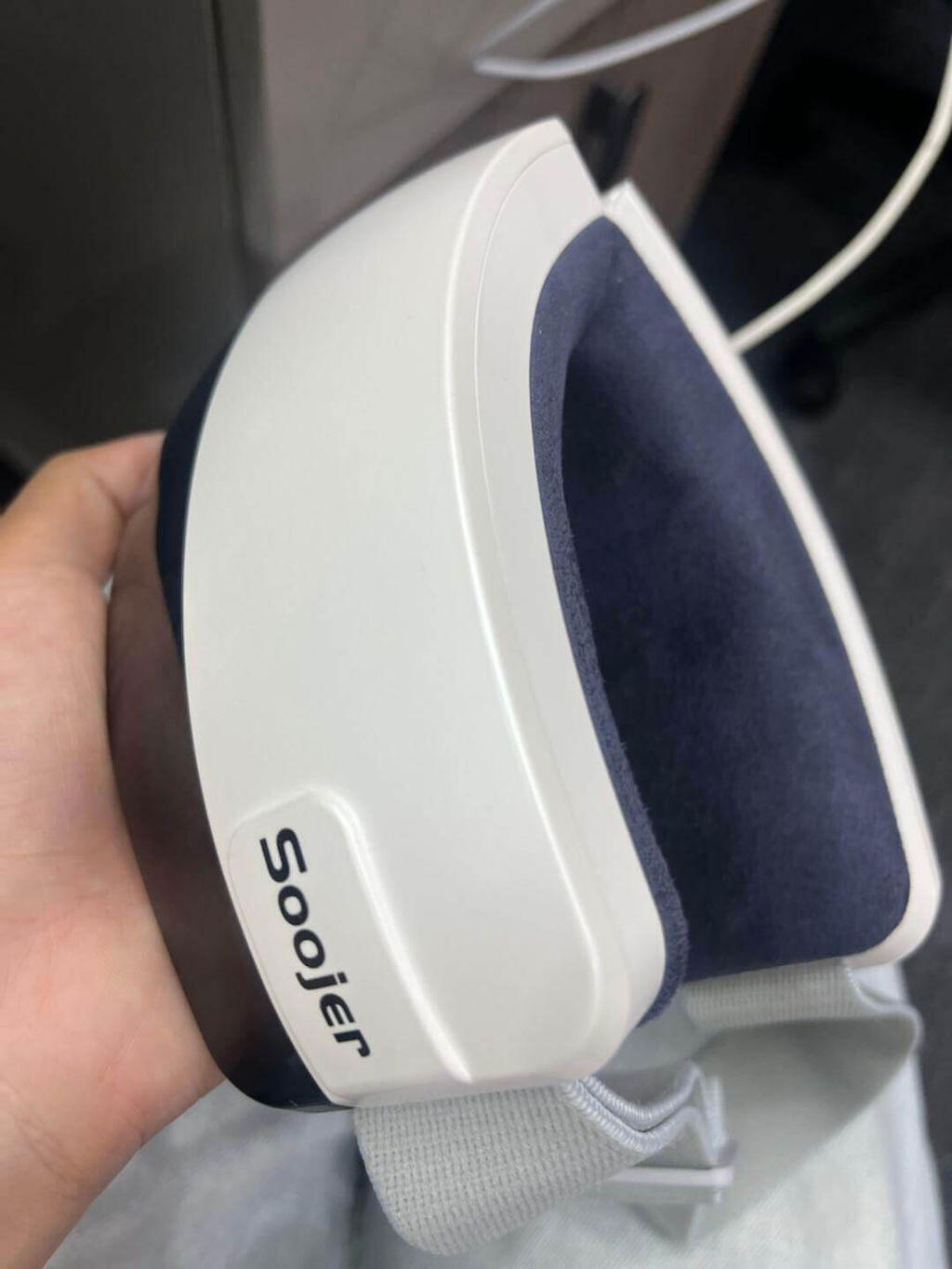
Me gusto mucho que tenga garantia porque da mas confianza comprar algo electronico. Hasta ahora ha funcionado perfectamente todos los dias.
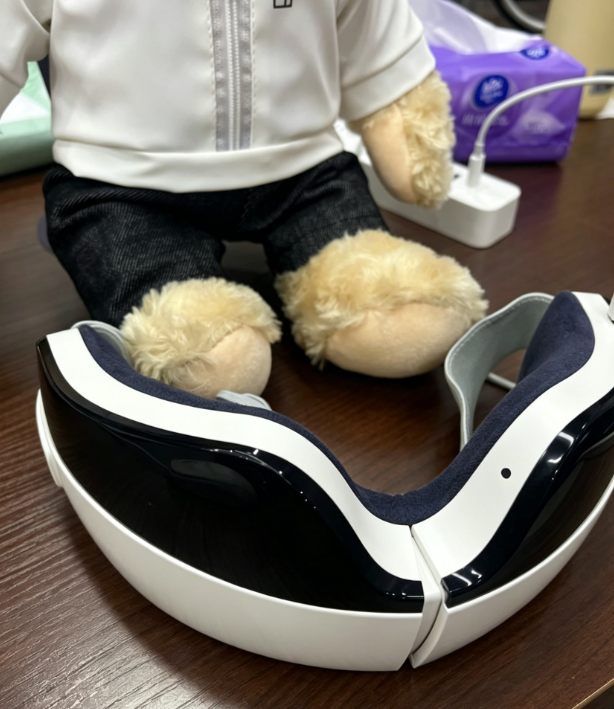
Muy recomendable para personas que trabajan frente a pantallas todo el dia. Yo antes terminaba con dolor alrededor de los ojos y ahora siento mucho alivio despues de usarlo.
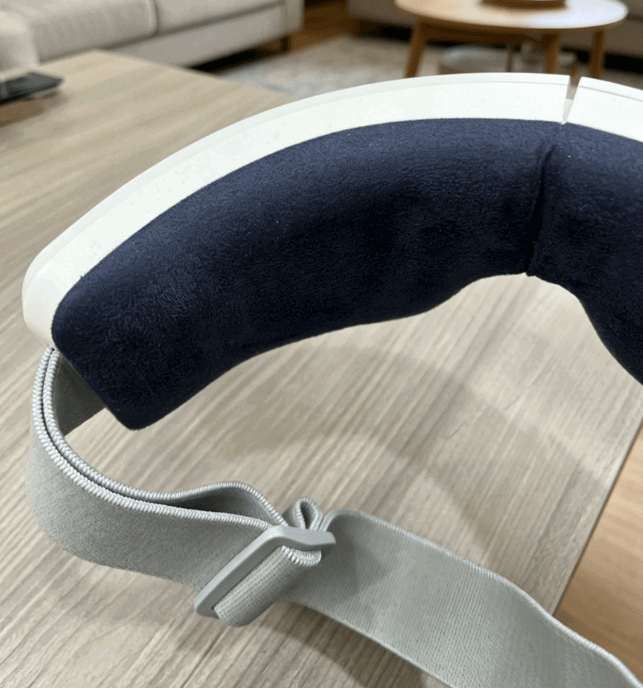
Antes me costaba mucho relajarme antes de dormir porque seguia pensando en el trabajo. Ahora uso este masajeador 15 minutos y me ayuda bastante a desconectarme.
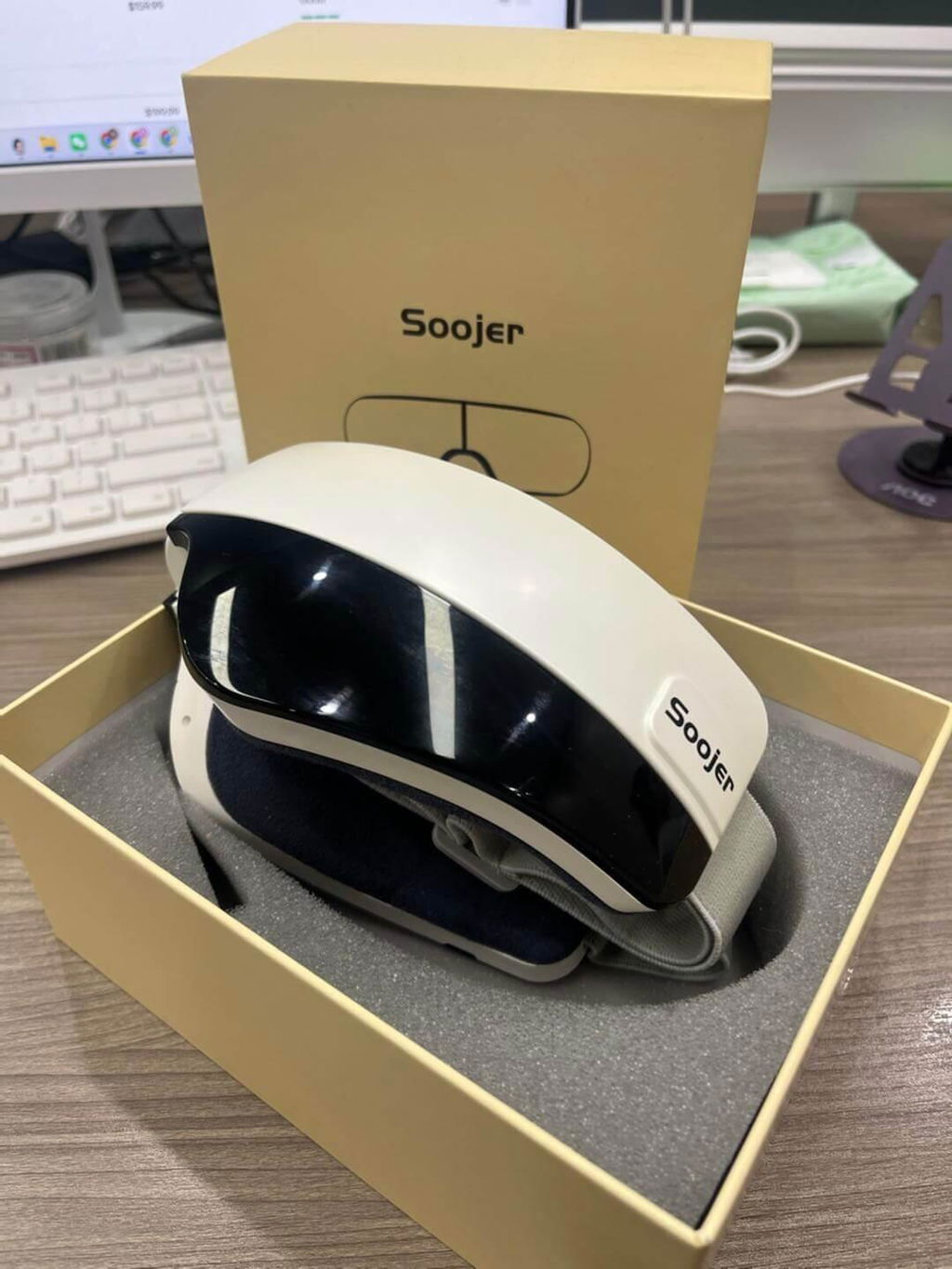
Lo uso sentado en la oficina durante mis descansos.
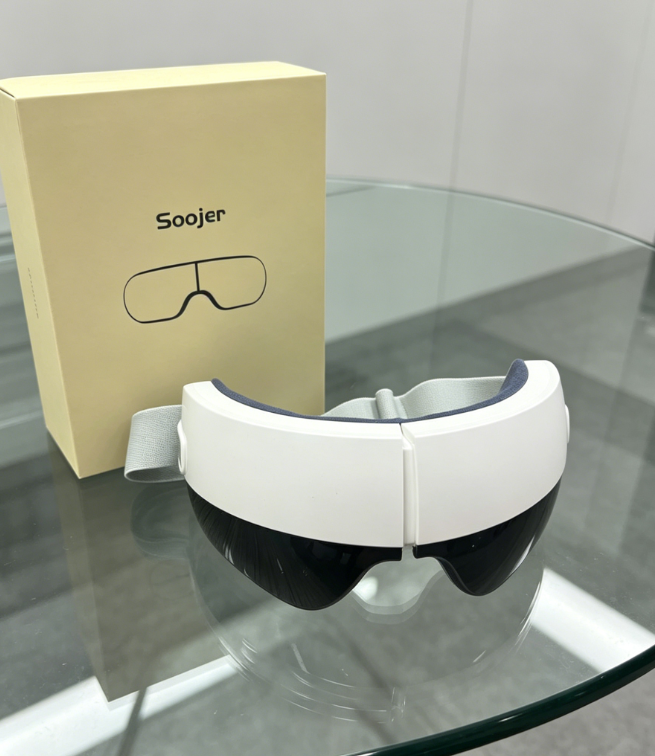
El masaje de aire ayuda bastante a relajar la zona de los ojos.
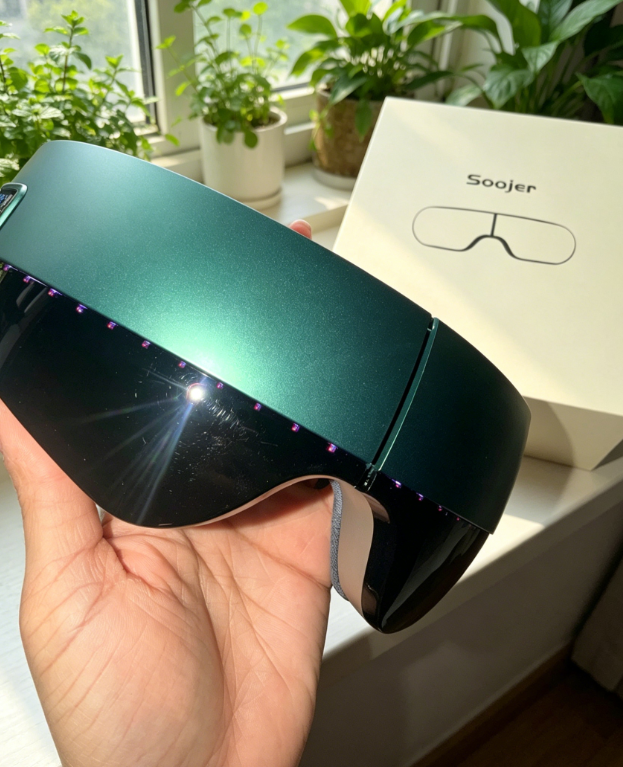
No fiddling with apps. Just press the button. The strap elasticity is good quality.
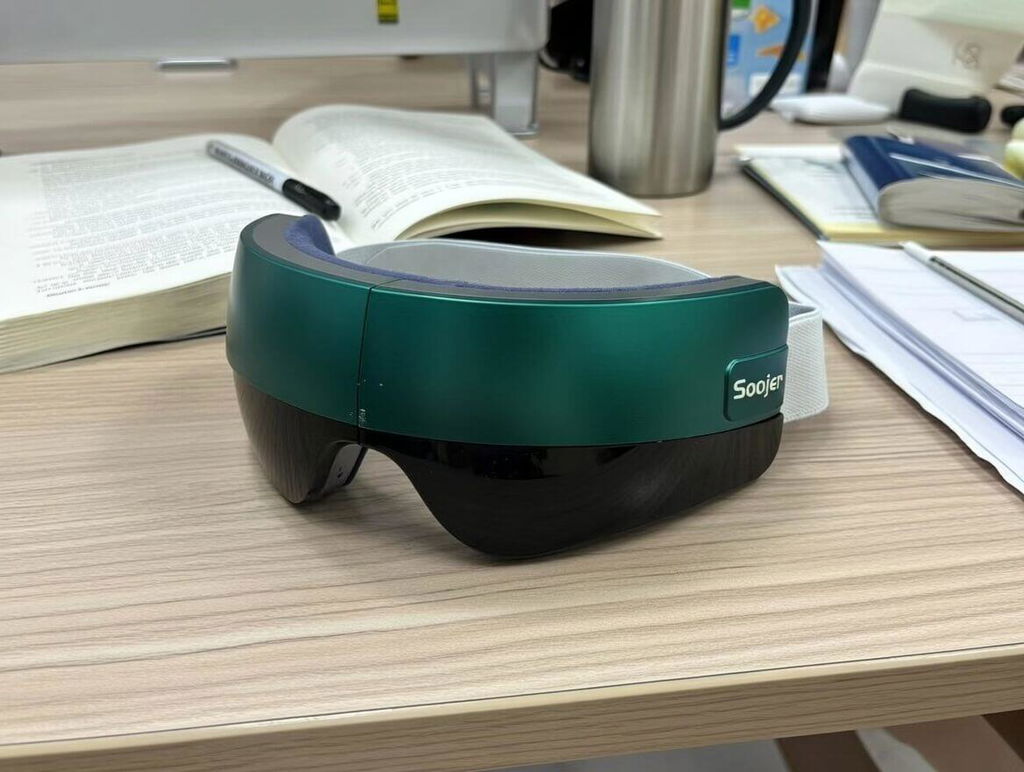
soojer soma nailed the controls. No learning curve.
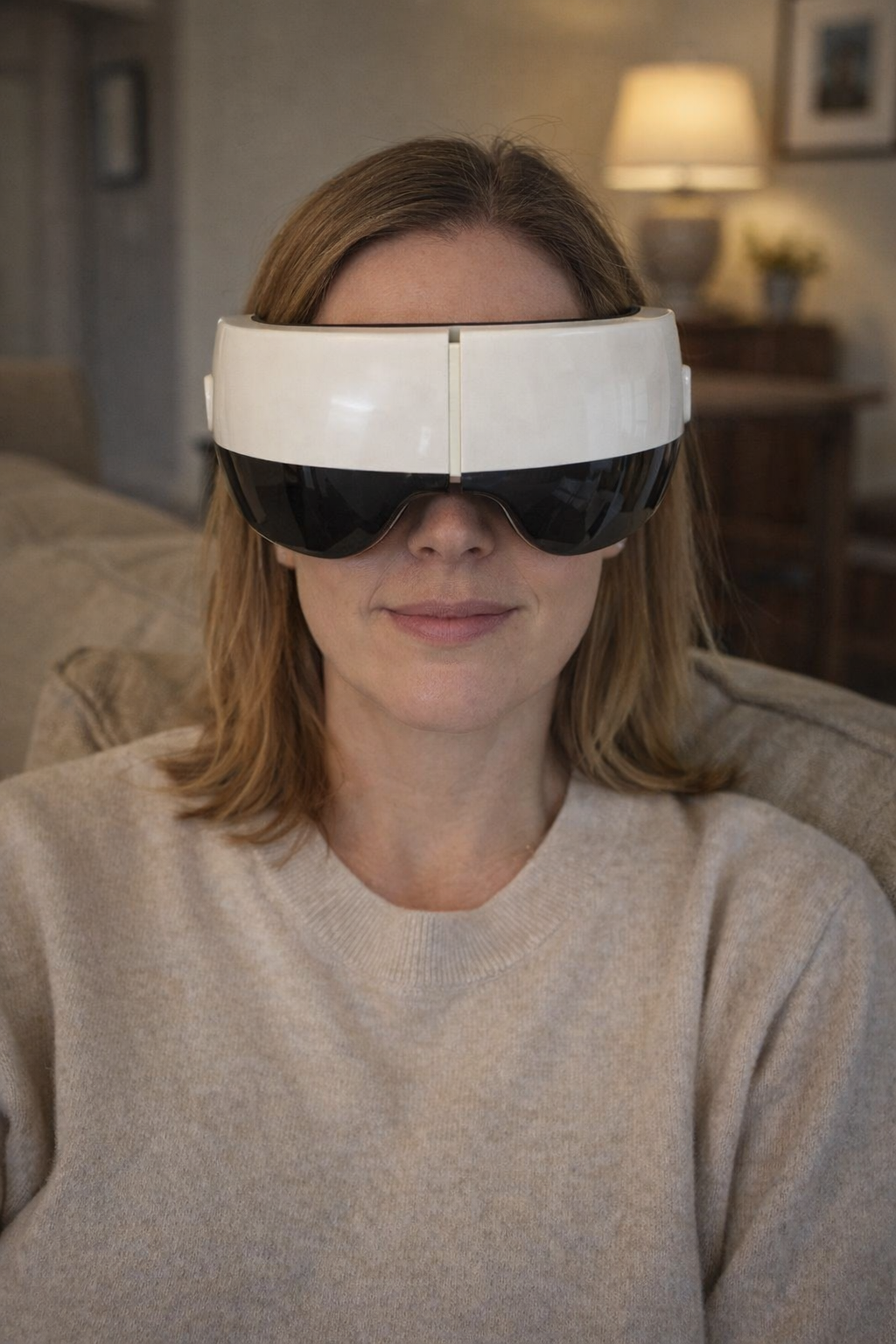
Love that it doesn't crush my nose bridge.
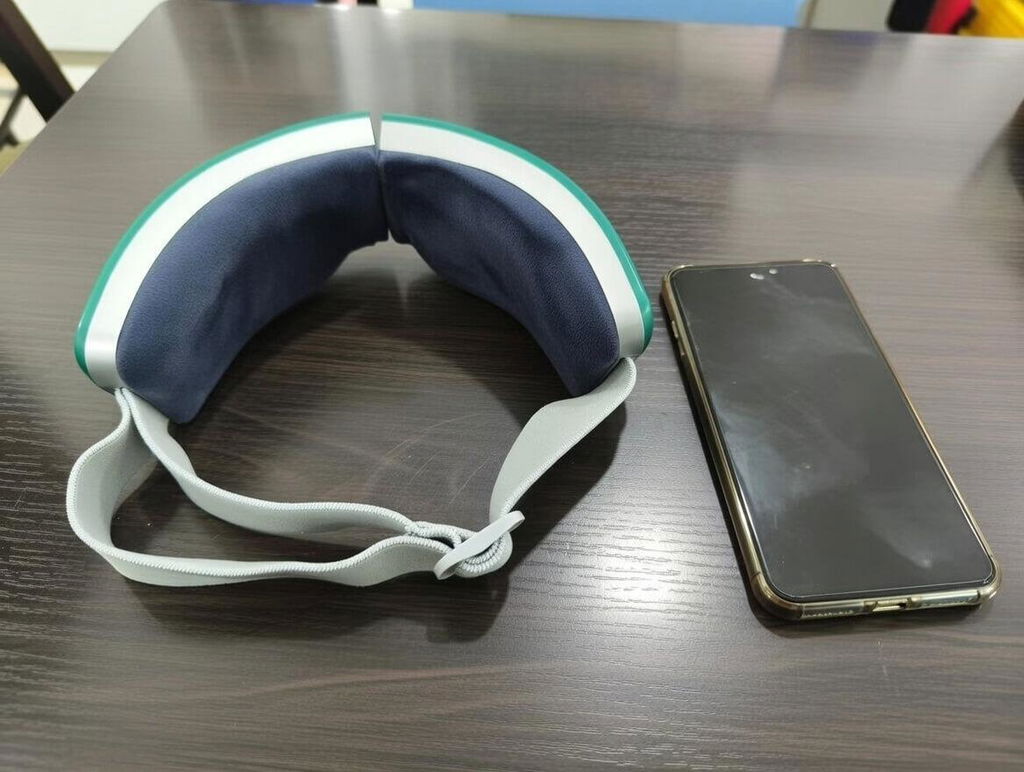
Finally a gadget that isn't complicated. Physical button is clicky and responsive. 10/10 usability.
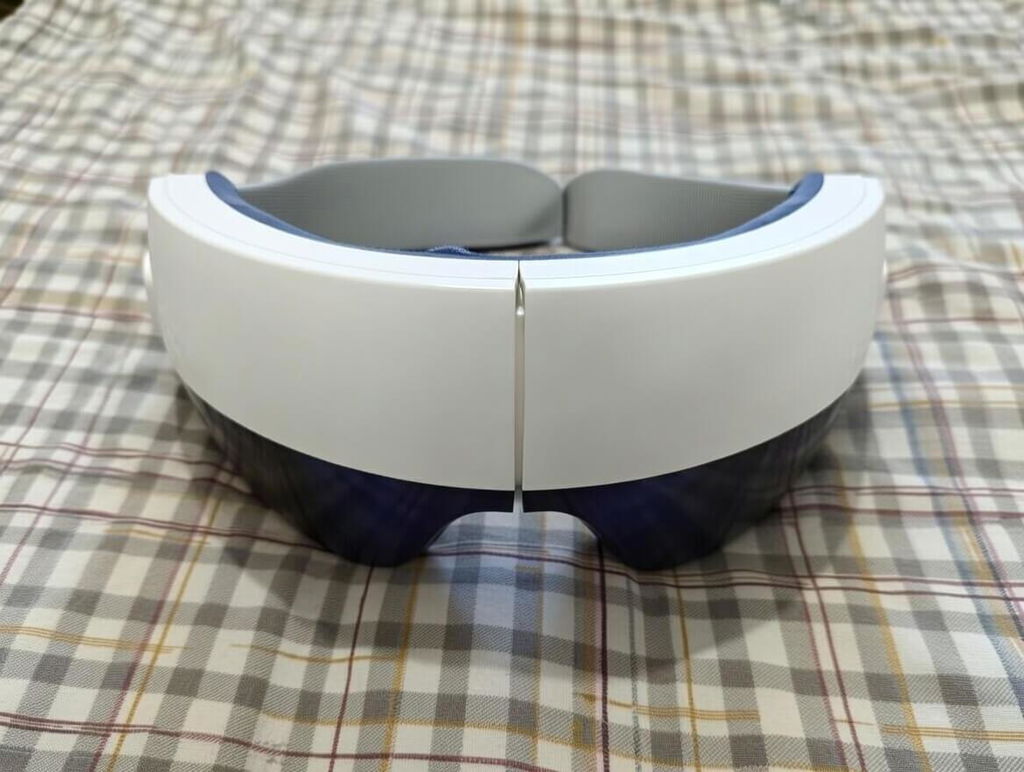
I work in customer service and get tension headaches from talking/focusing all day. The massage rhythm on this is very relaxing. My old one had a 'music' feature that was impossible to turn off, which was annoying. This one puts you in control. The all-in-one button is brilliant design.
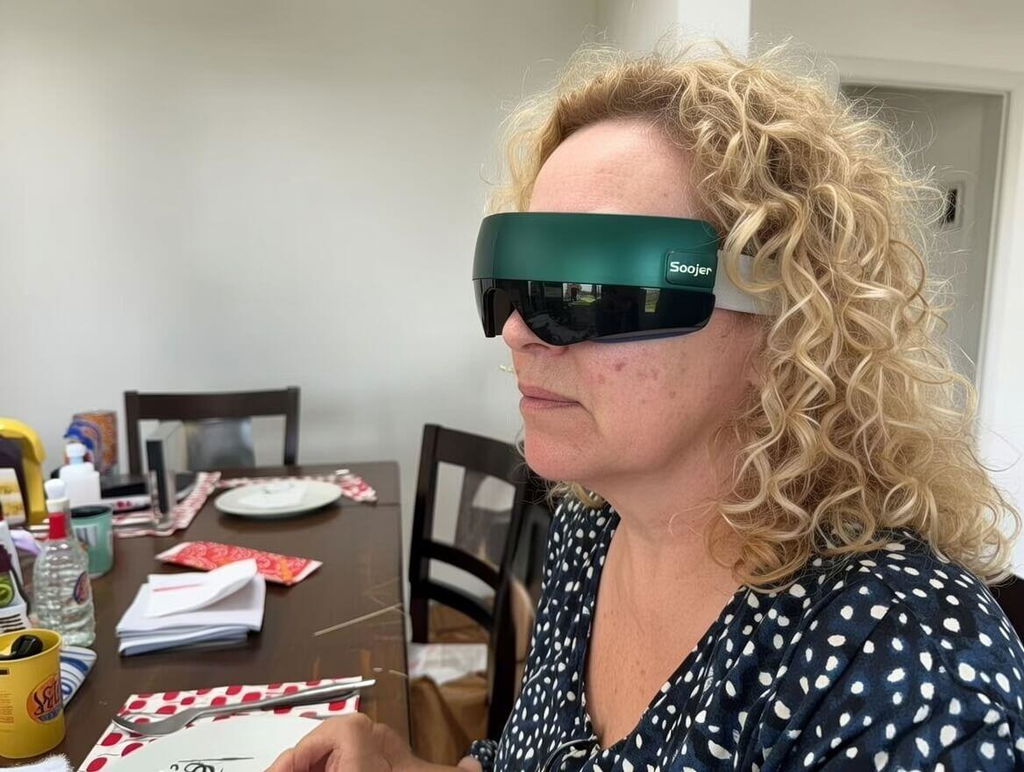
Fits my head well. The elastic is soft, not scratchy like the others.
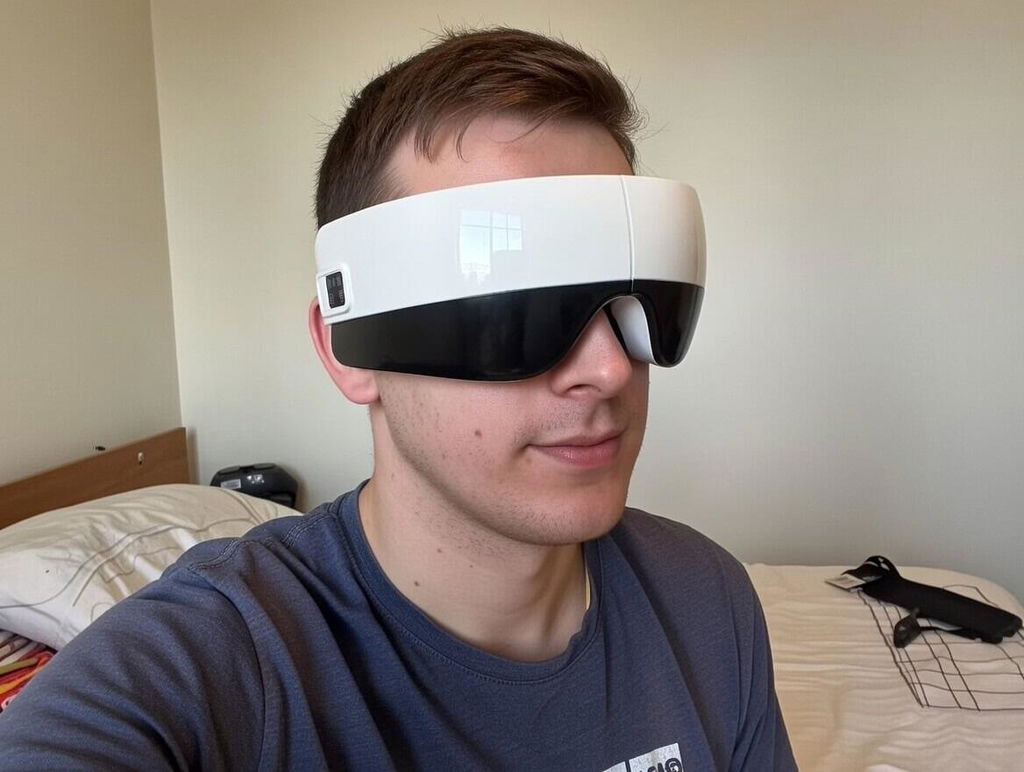
I sit in front of a monitor for 10 hours a day, so I need something that actually works. Most massagers just vibrate and it's annoying, but the kneading mode on this thing is legit. You can actually feel it working on the temples, which is where my headaches start. The old one I had barely touched my temples and just squeezed my eyeballs too hard. This one is gentle on the eyes but firm on the stress points. 10/10.
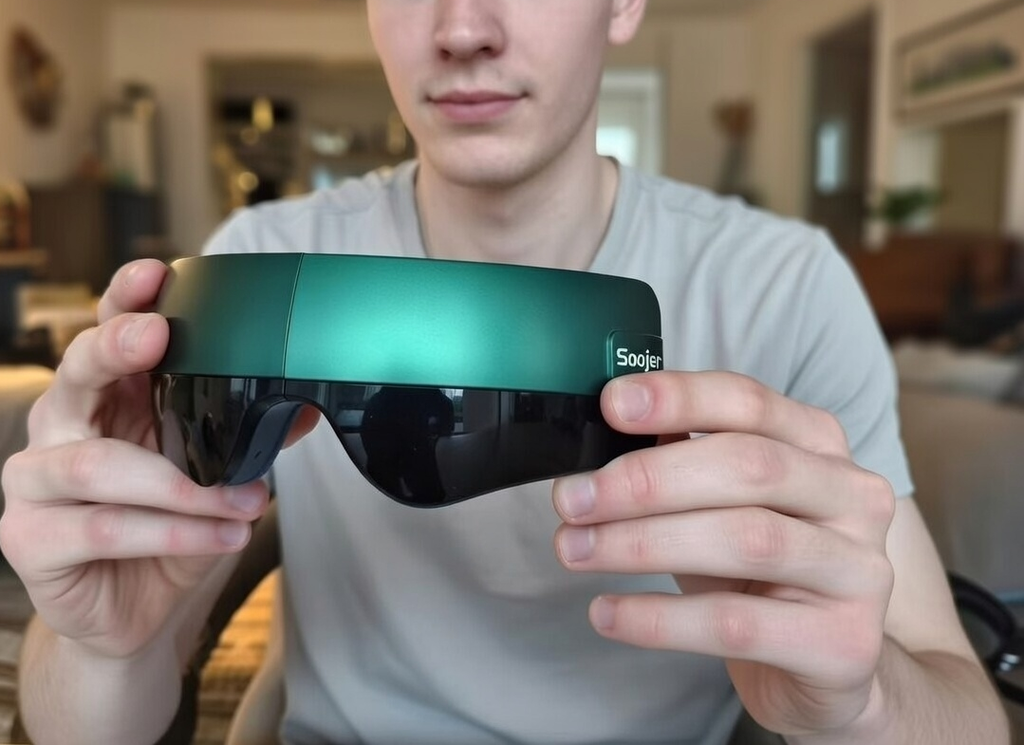
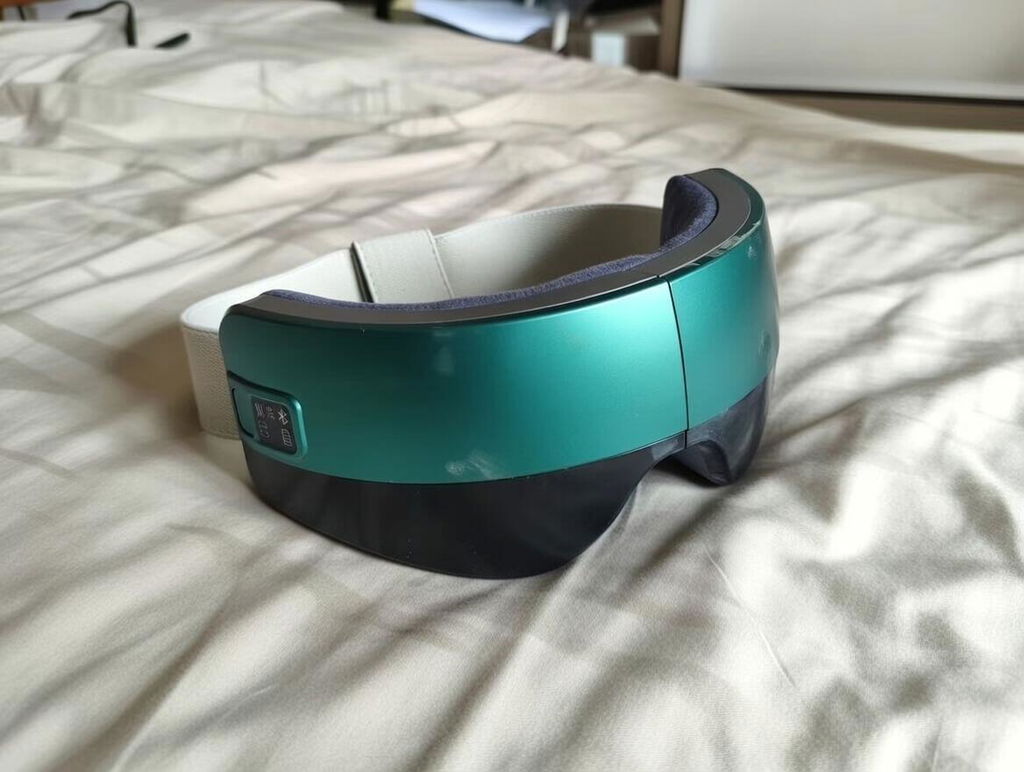
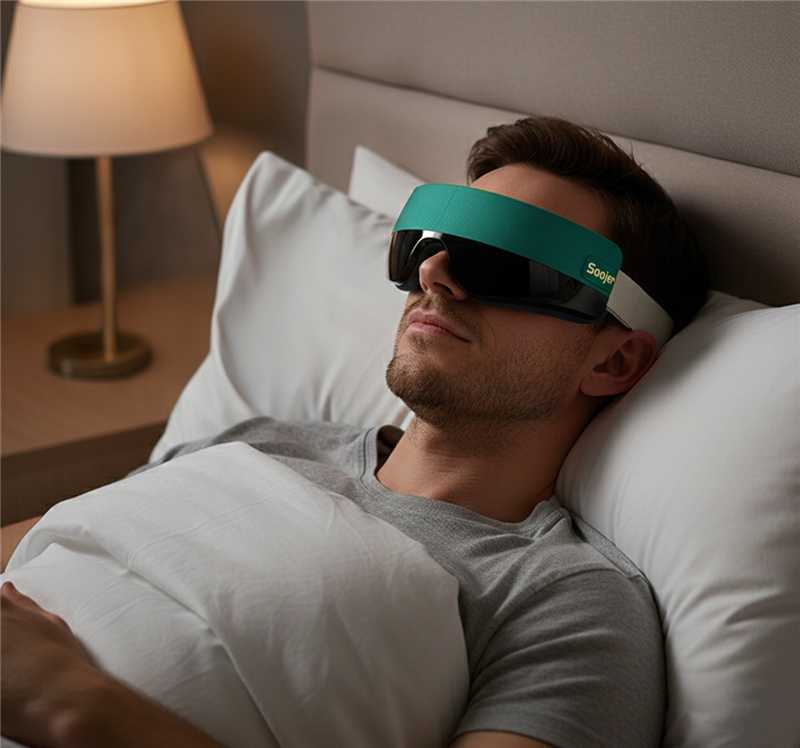
If you want to sleep with this on, this is the only brand that works. The others are like wearing hard goggles. This one feels more like a heavy, massaging sleep mask. The kneading is rhythmic and slow, perfect for drifting off. I also love that I can just mumble a command to turn it off without lifting my hand.
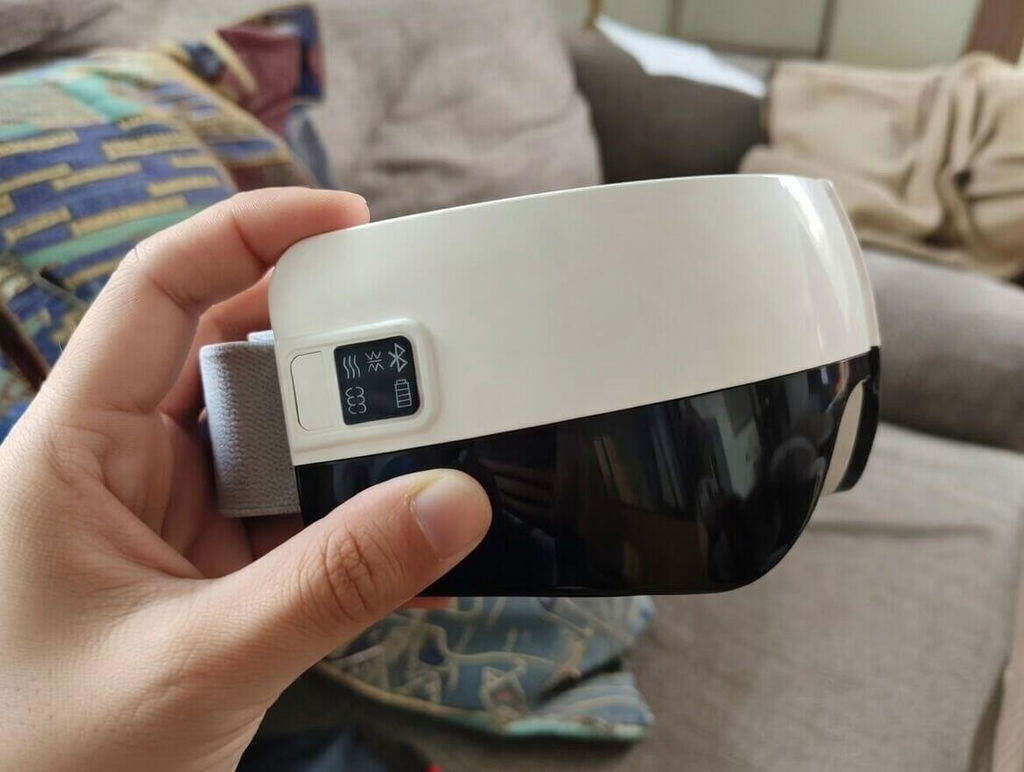
Best Father's Day gift. I usually hate things on my face, but this material is breathable and soft. The kneading mode is strong it surprised me how good it felt on the temples. My kids did good.
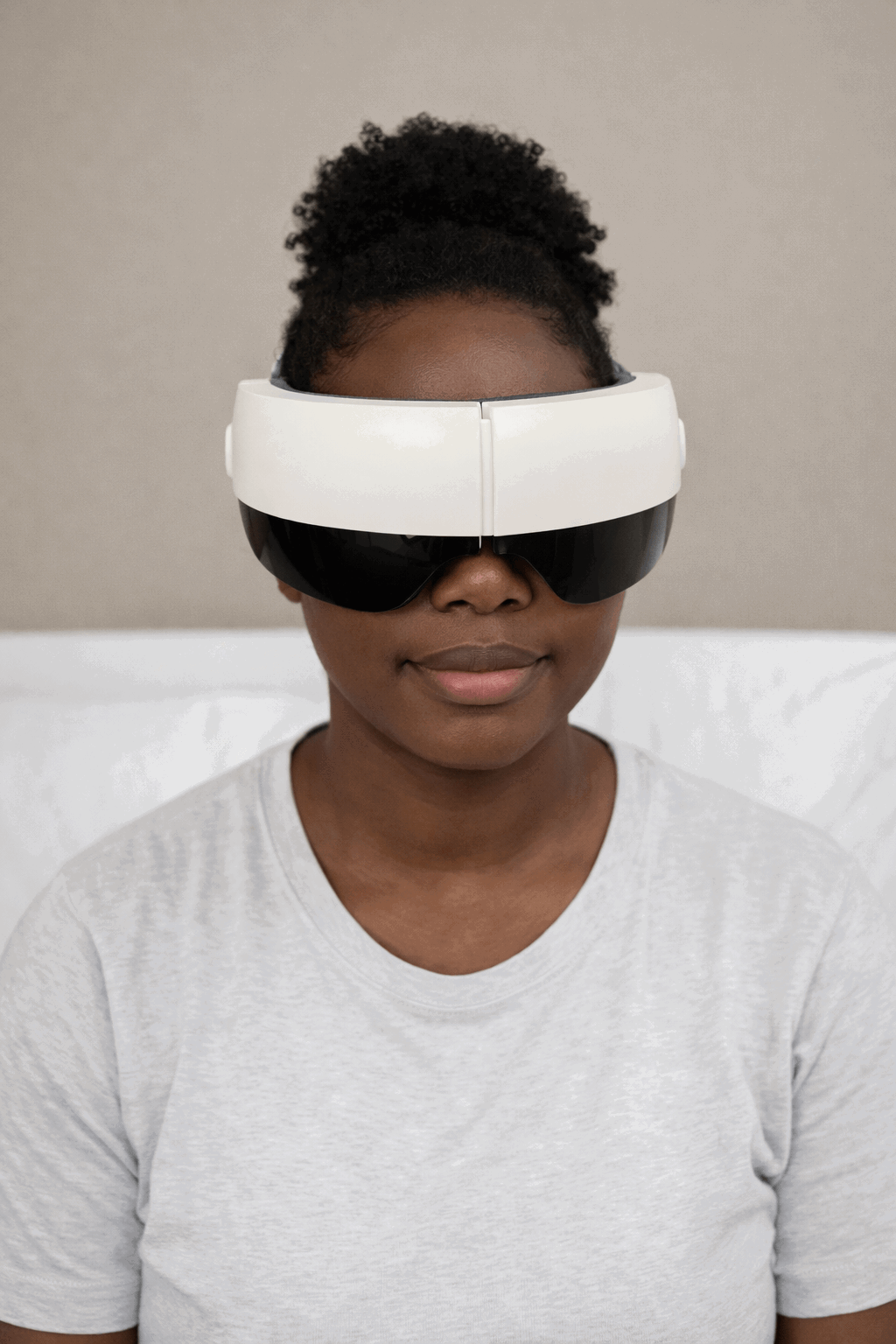
I'm a tech reviewer and I see a lot of junk. This is quality. The physical controls are tactile and the AI voice is responsive. The strap material is high-grade elastic, not cheap rubber.
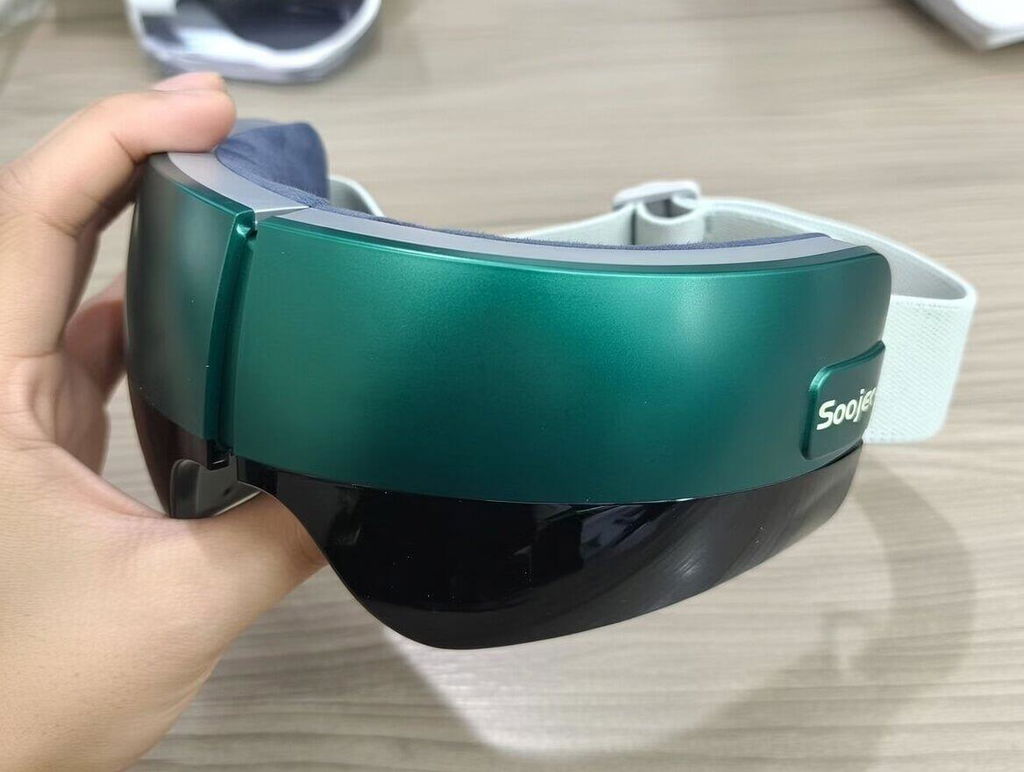
Easy for kids to use too.
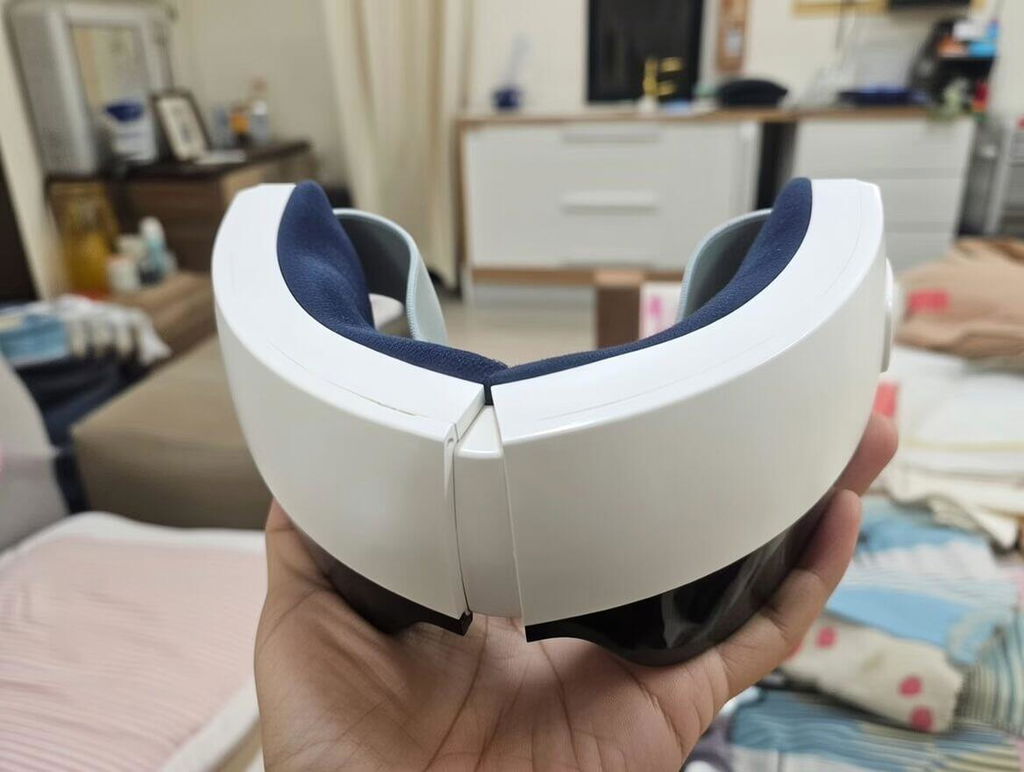
Finally, a device that understands anatomy. The 'kneading mode' is a game changer for migraines. It focuses on the temples and the brow bone rather than just pressing directly on the eye. I also love that I don't need a PhD to operate it. The voice commands are smooth. My husband tried it once and I haven't seen it since. Guess I need to buy a second one.
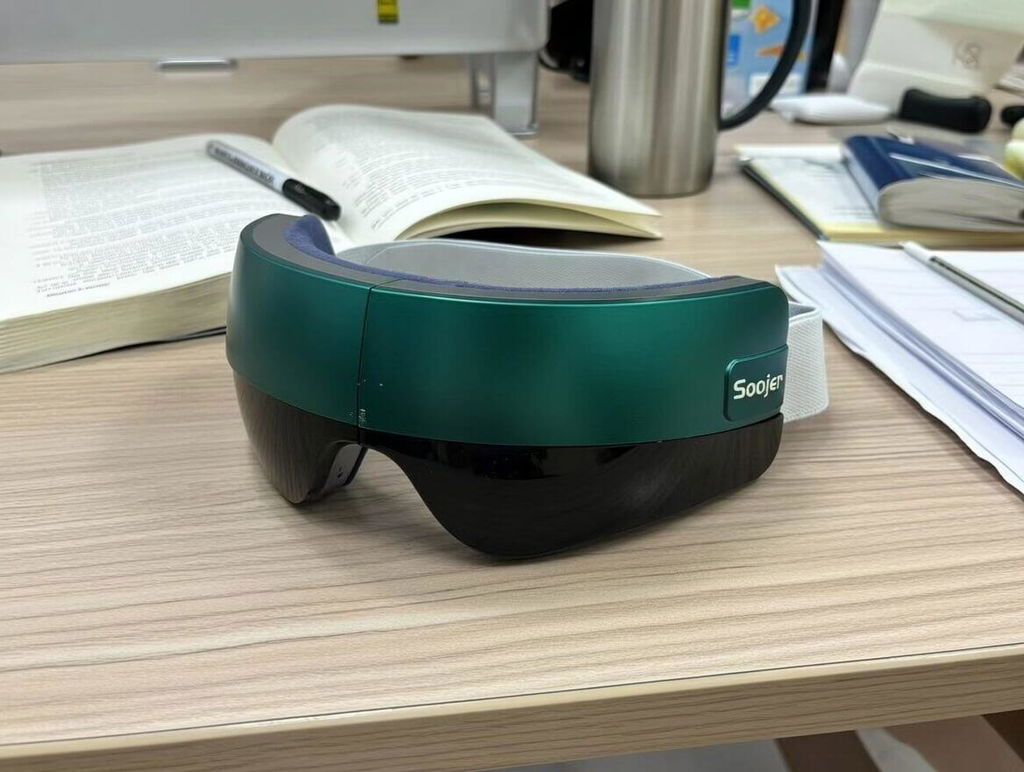
I work in finance, staring at spreadsheets for 12 hours a day. By 5 PM, my eyes are throbbing. I used to use a generic plastic massager, but the rigid rim made my headache worse. The Soojer Soma is totally different��the rimless design means no extra pressure points. I keep it in my desk drawer for a 10-minute reboot. It's a career saver.
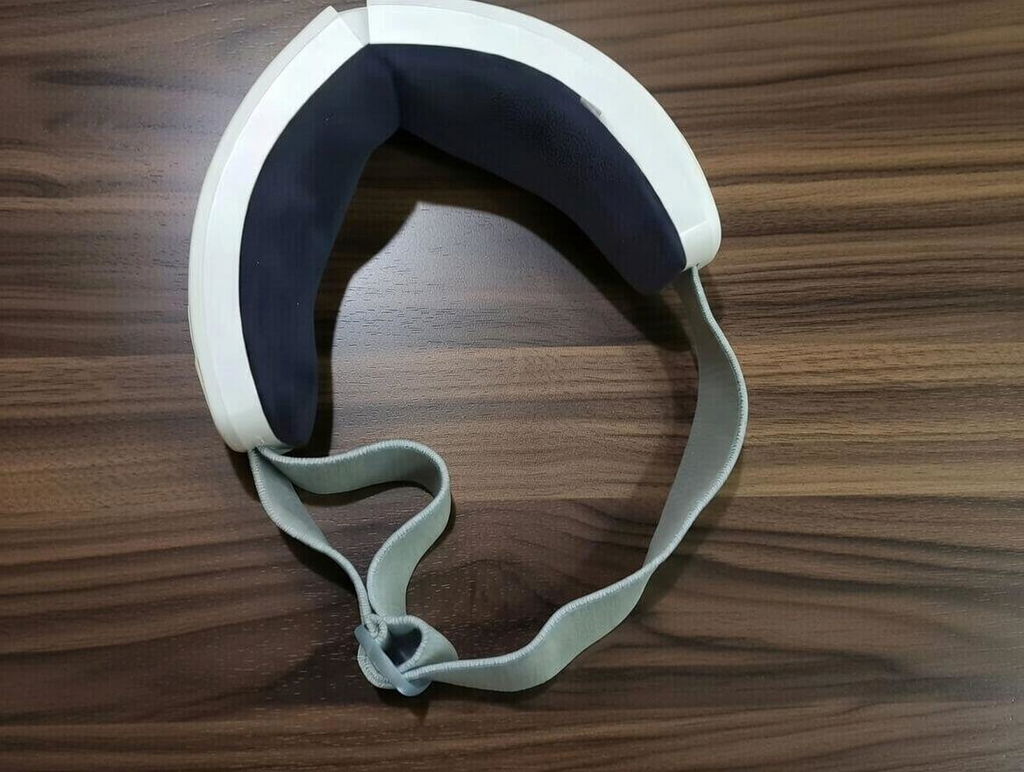
Music is optional, silence is golden. Love the controls.
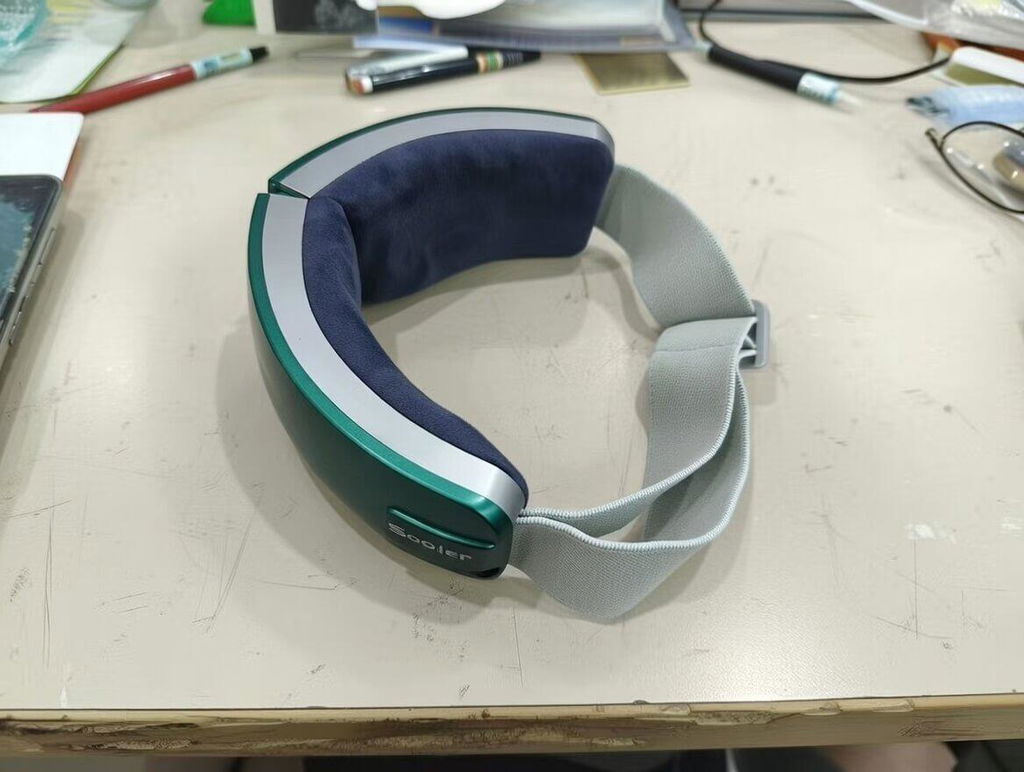
Me encanto el control por voz. Puedo estar acostada con los ojos cerrados, cambiar la funcion y seguir relajandome sin tocar nada.
I bought this because my eyes always feel tired after working on my laptop all day. I usually use the heat and air pressure together while lying in bed, and the whole experience is really comfortable. I also like that I can turn the vibration off when I just want a gentler massage. The 15-minute auto shutoff is a nice touch too.
Muy relajante. Lo uso 15 minutos antes de dormir y me ayuda a desconectar despues de un dia frente a la computadora.
I bought this as a gift for my sister because she spends long hours studying and often complains about tired eyes. She liked it immediately, and I ended up trying it myself. I usually use the gentler setting with vibration and heat, and it has become a really nice way to relax on the sofa after work.
Me sorprendio lo mucho que me gusta la funcion de control por voz. Cuando estoy acostada no necesito levantarme ni buscar los botones, simplemente doy la instruccion y puedo cambiar el modo. Tambien me gusta conectar el telefono por Bluetooth y escuchar musica tranquila mientras lo uso.
I work in front of a computer all day, and by the evening my eyes usually feel heavy and tired. I've been using this for about two weeks before bed, usually with heat and air pressure together. It feels really relaxing, and I like that it automatically turns off after 15 minutes so I can just close my eyes and enjoy it.