



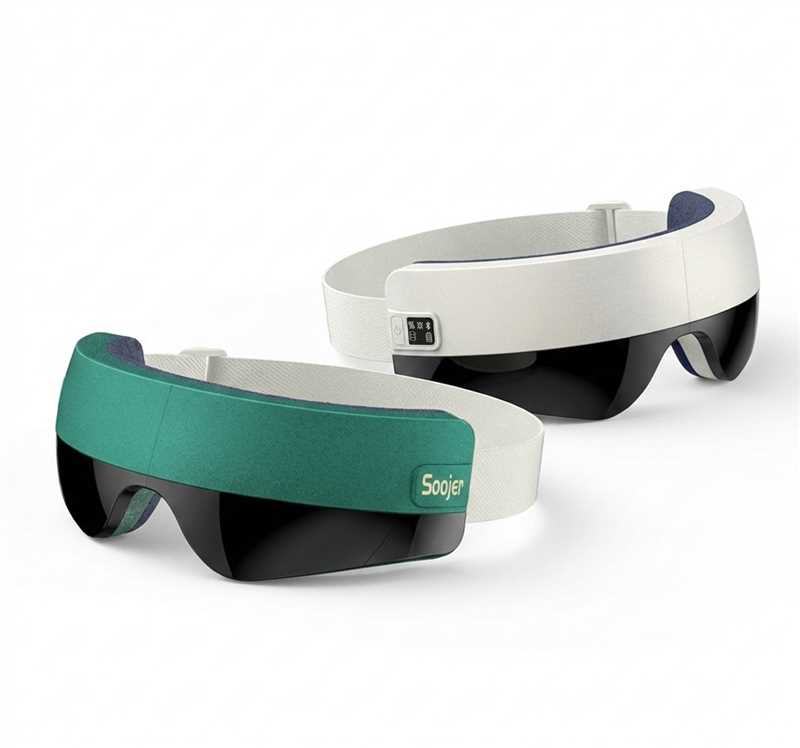
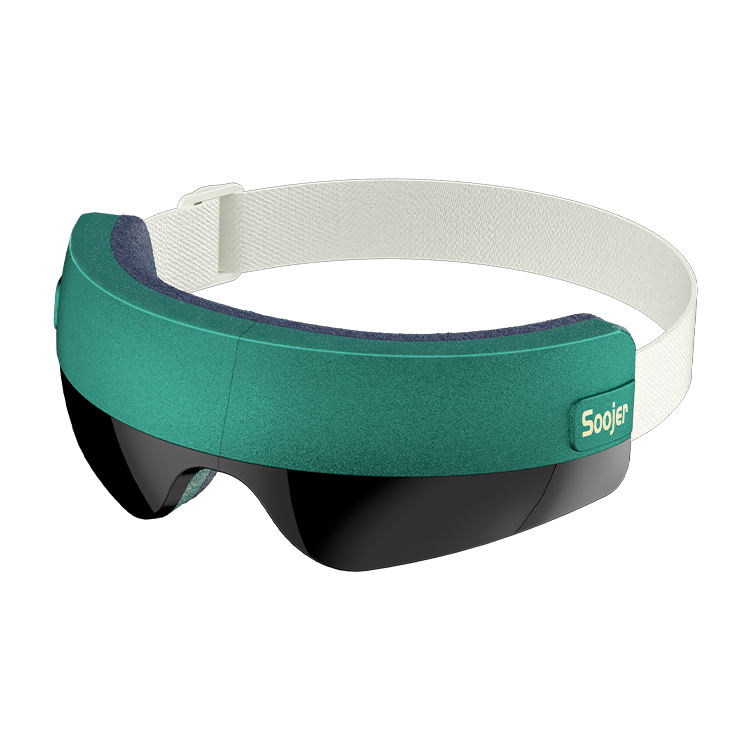
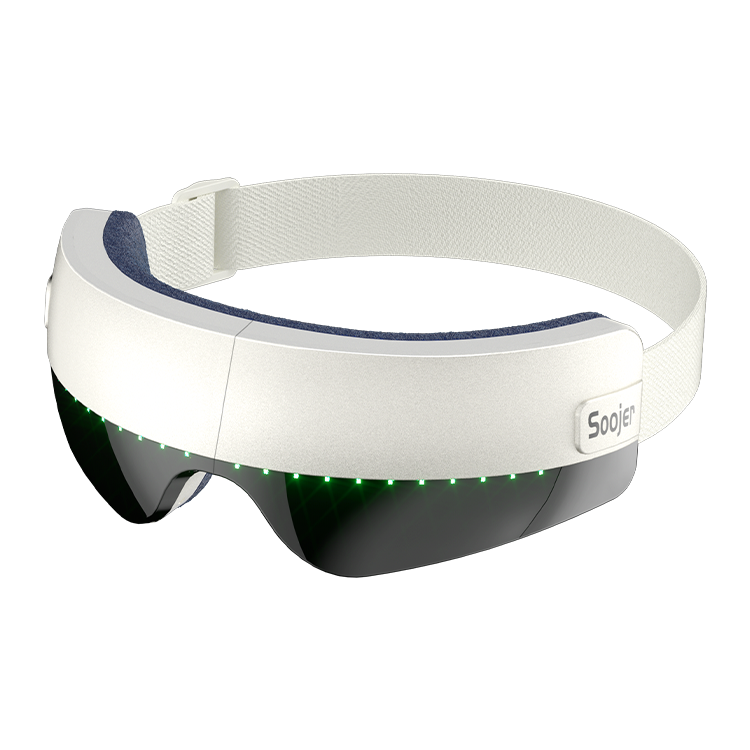

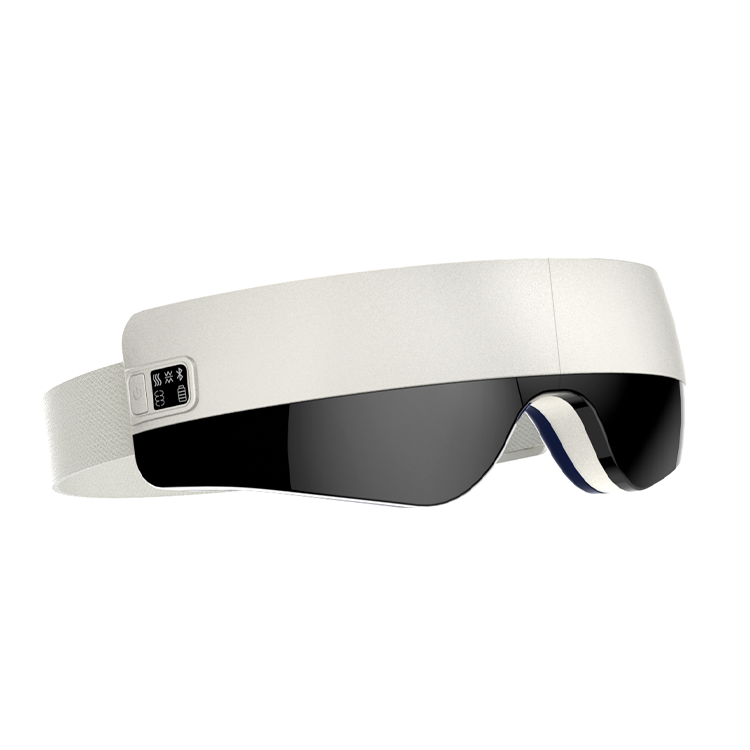
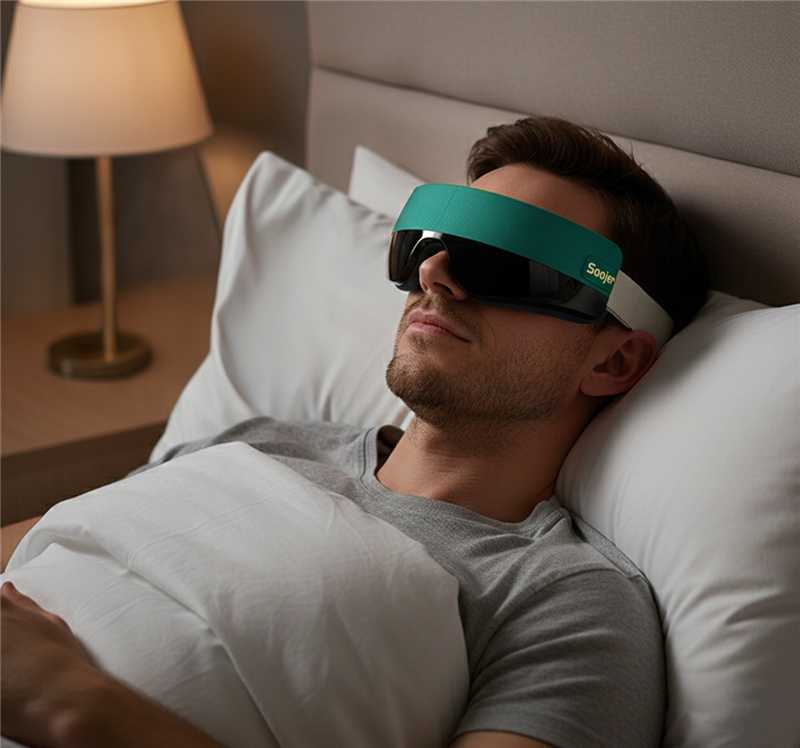
Soojer SOMA AI Voice-Controlled Eye Massager
- Free Worldwide Shipping
- 30-Day Money-Back Guarantee
- 3-Year Hassle-Free Warranty
- Lifetime Customer Support
- Safe & Secure Payments
See What Others Are Saying
See What Others Are Saying

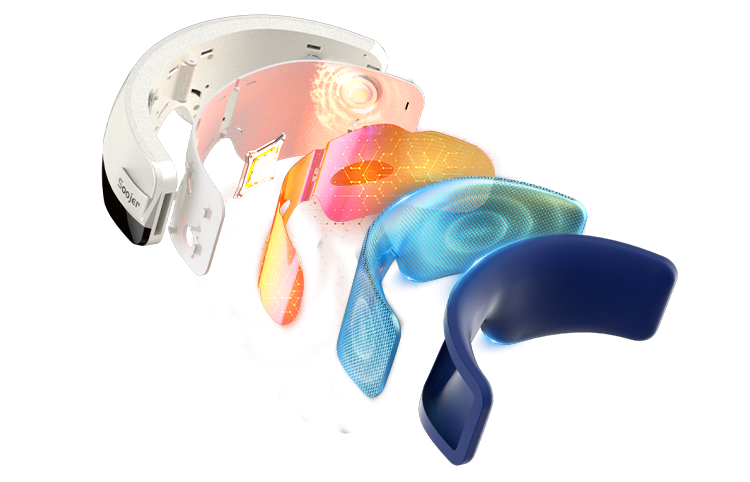
Dynamic layered air pressure system relaxes targeted muscle groups
Effectively helps relieve eye fatigue
Visibly reduces puffiness around the eyes


Intelligent control with voice interaction and adaptive massage logic for comfort that lasts.
A New Horizon in Lasting Comfort


Meet the Next Level of Intelligent Eye Care
Engineered for deep, rhythmic compression.Air pressure, heat, and vibration work in sync for instant eye relief.


Customizable Eye Therapy with 5 Modes & 2 Intensity Settings


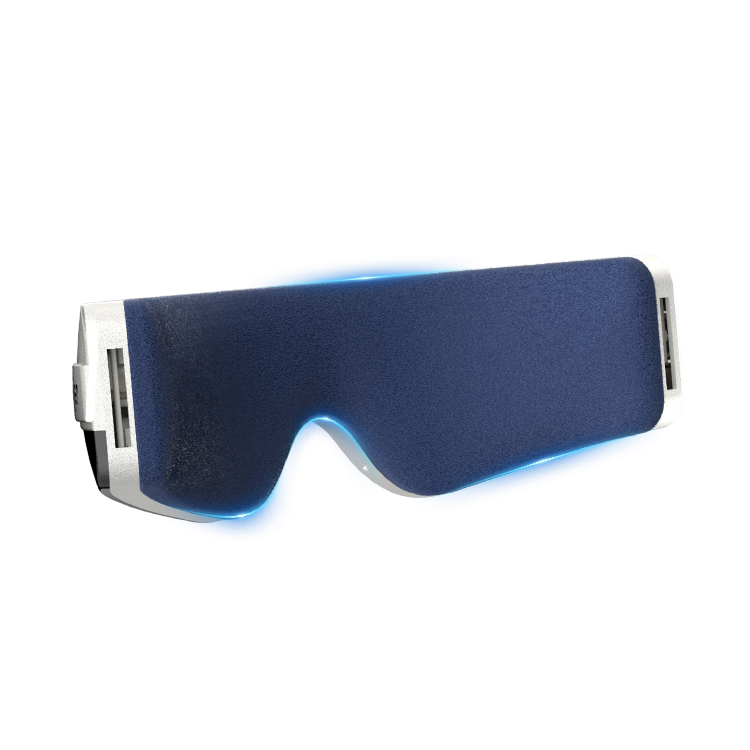
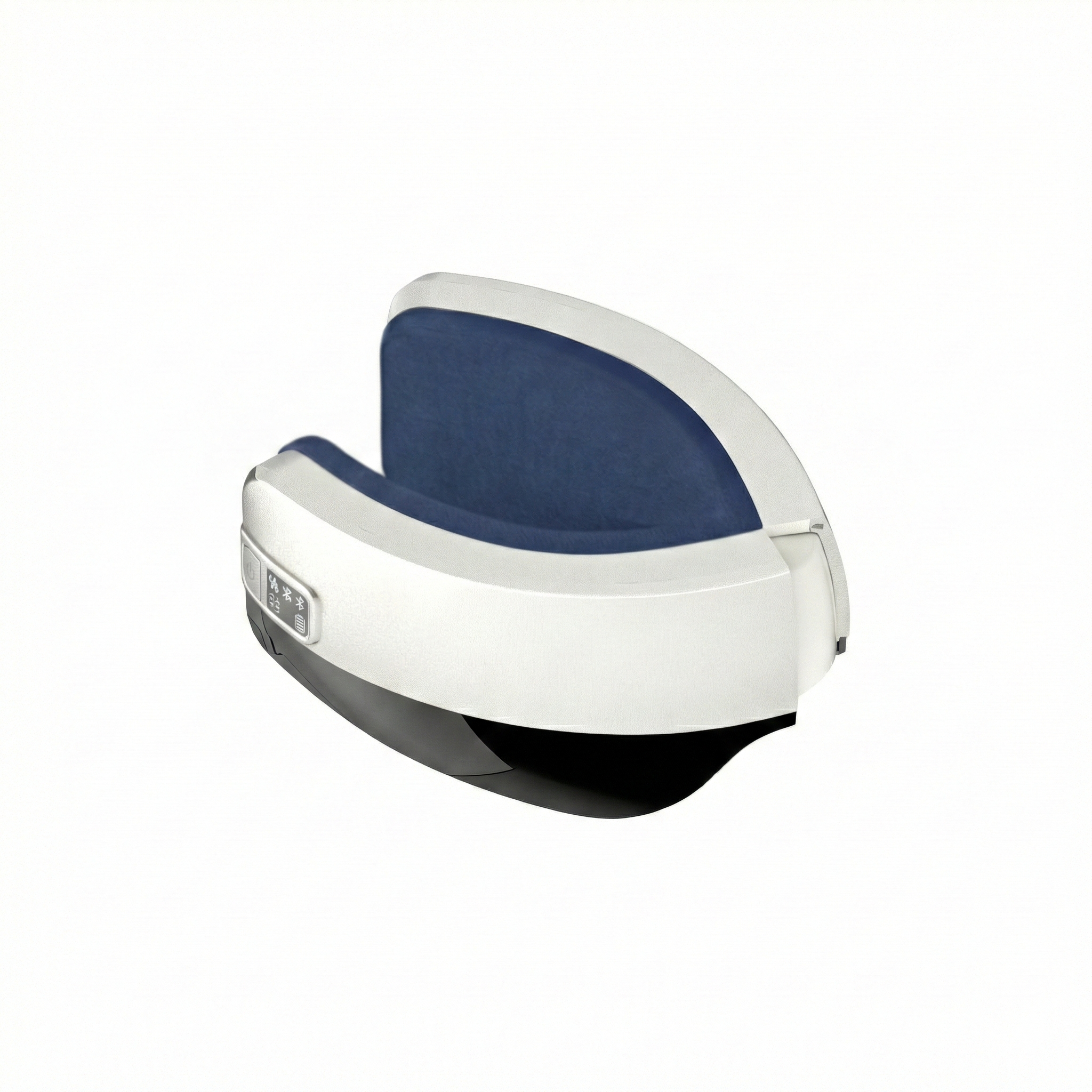
Breathable Velvet Lining
Soft to the touch, airy, and comfortable without heat buildup.


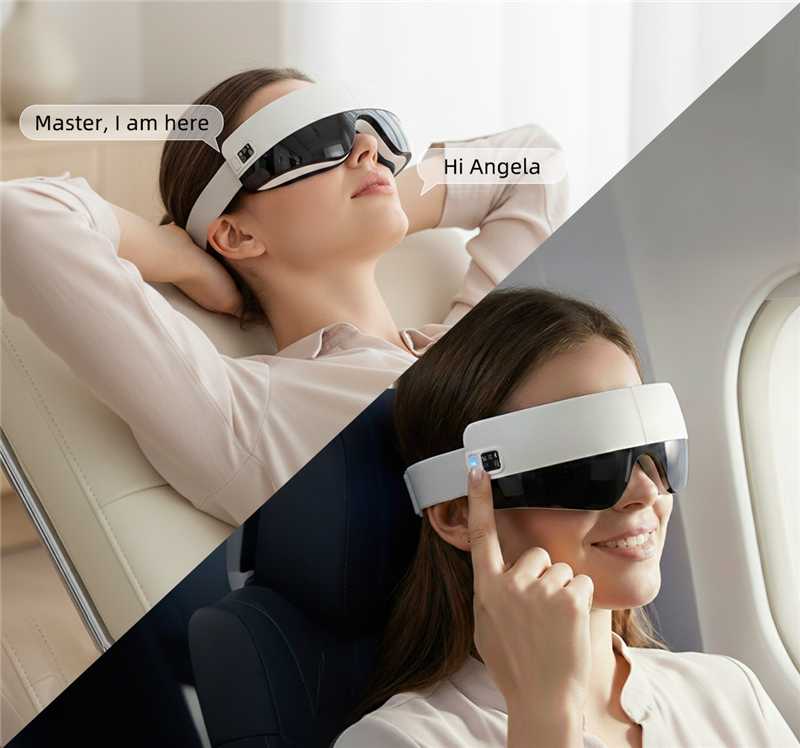
World's First AI Voice-Controlled Eye Care
Hands-free control for deeper, more immersive relaxation.

All-in-One Button Eye Care
Control all modes and intensity with a single intuitive button for effortless operation.

Ultra-Quiet Eye Care
Whisper-silent operation for uninterrupted, deeply relaxing moments.

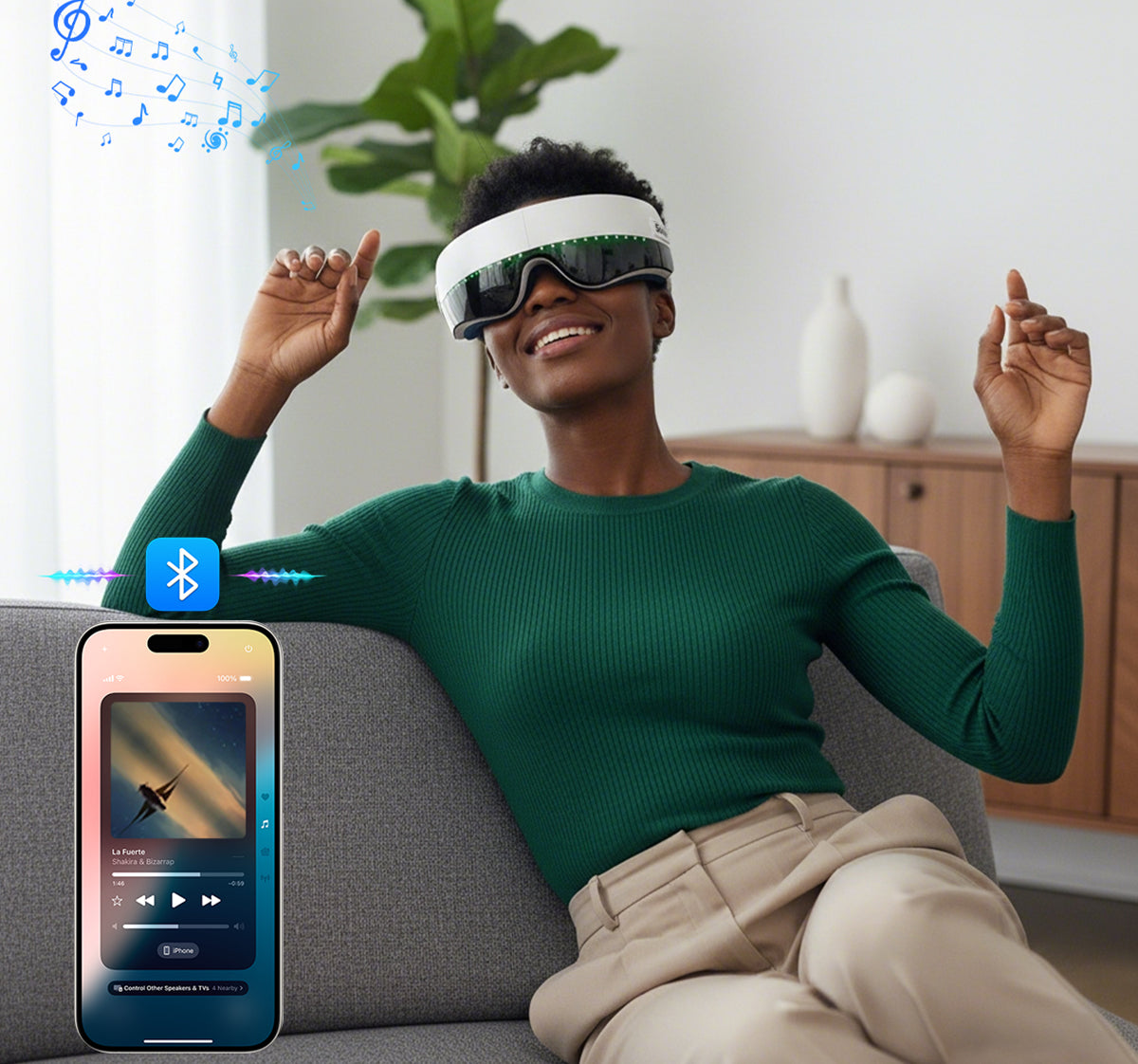
Bluetooth Audio Integration
Stream your personal playlists for a more immersive experience.

Refined Adjustable Strap
Elegantly designed to adapt to different head shapes with a seamless, premium fit.

Long-Lasting Power & Quick Charging
Reliable battery life with quick charging, ideal for on-the-go use.


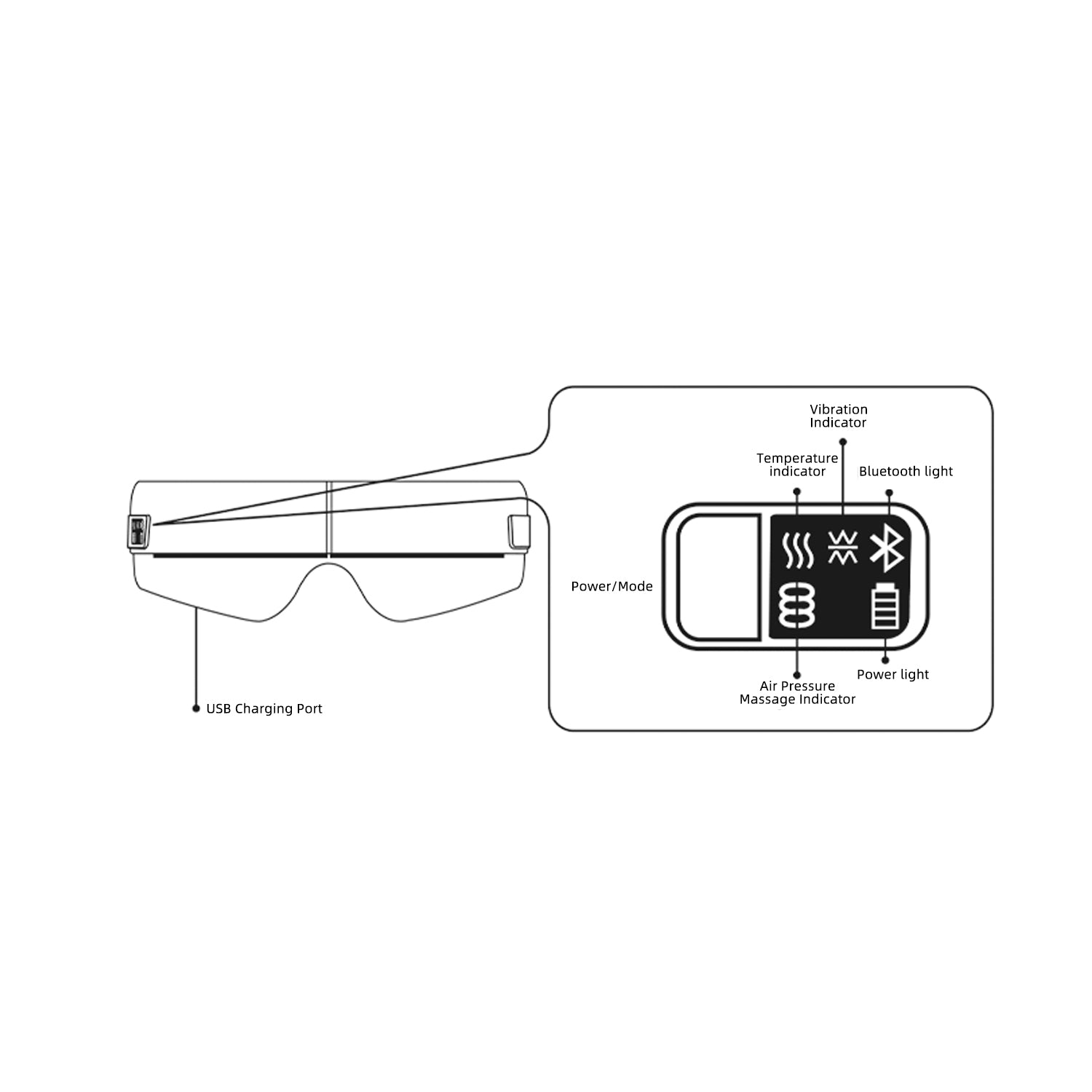
Step 1 · Charge the Device
Connect the eye massager to a standard 5V–1A power adapter using the included USB cable. The indicator light flashes red while charging and stays solid when fully charged.
Helpful Tips
Recommended usage time: 15 minutes per session. Avoid using for more than one session at a time. Stop use immediately if discomfort occurs.
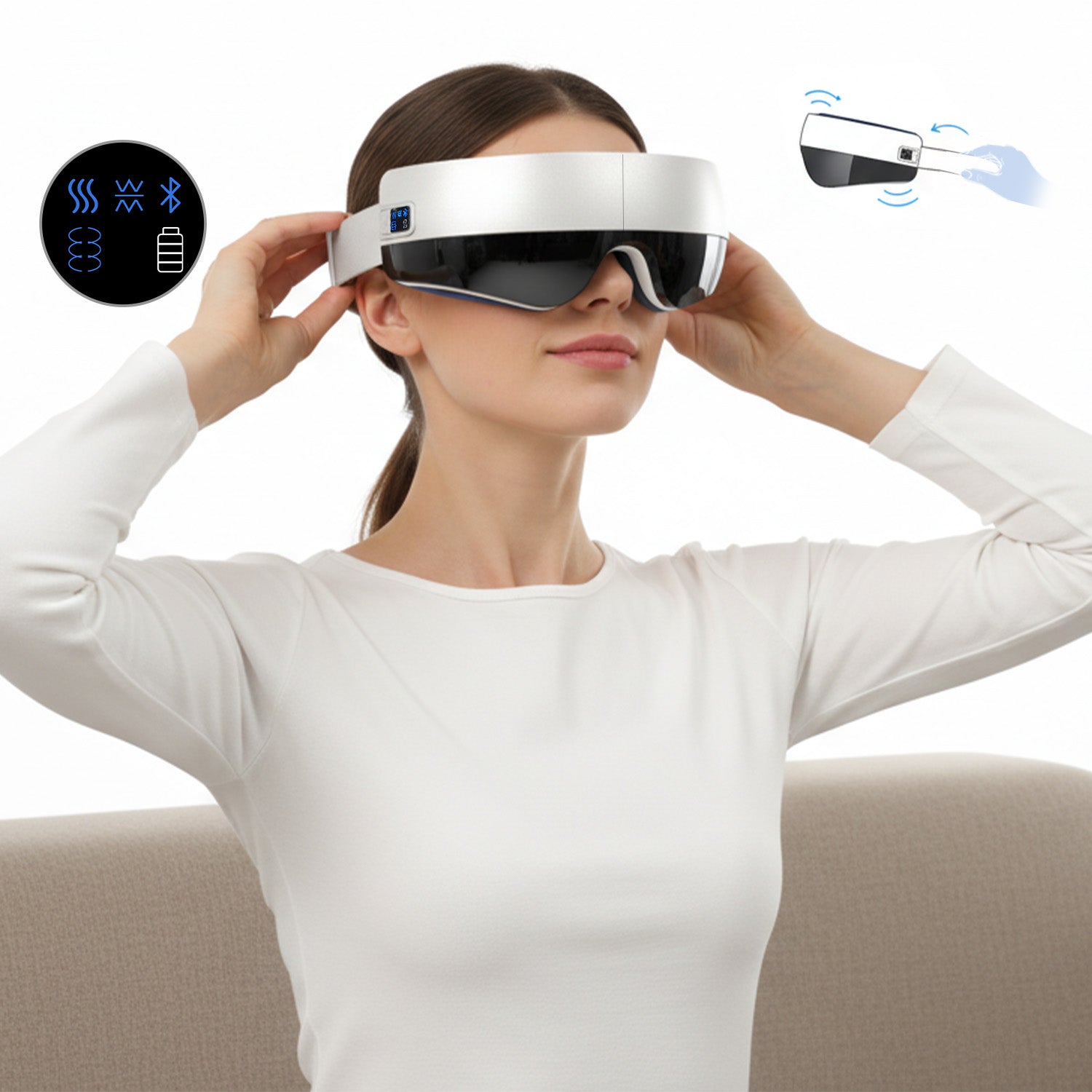
Step 2 · Put It On
Place the eye massager over your eyes and adjust the strap until it feels comfortable and secure. Make sure it fully covers the eye area without pressure or discomfort.
Step 3 · Power On
Press and hold the power button for 3–4 seconds to turn the device on. It will start automatically in Integrated Mode at Level 1.
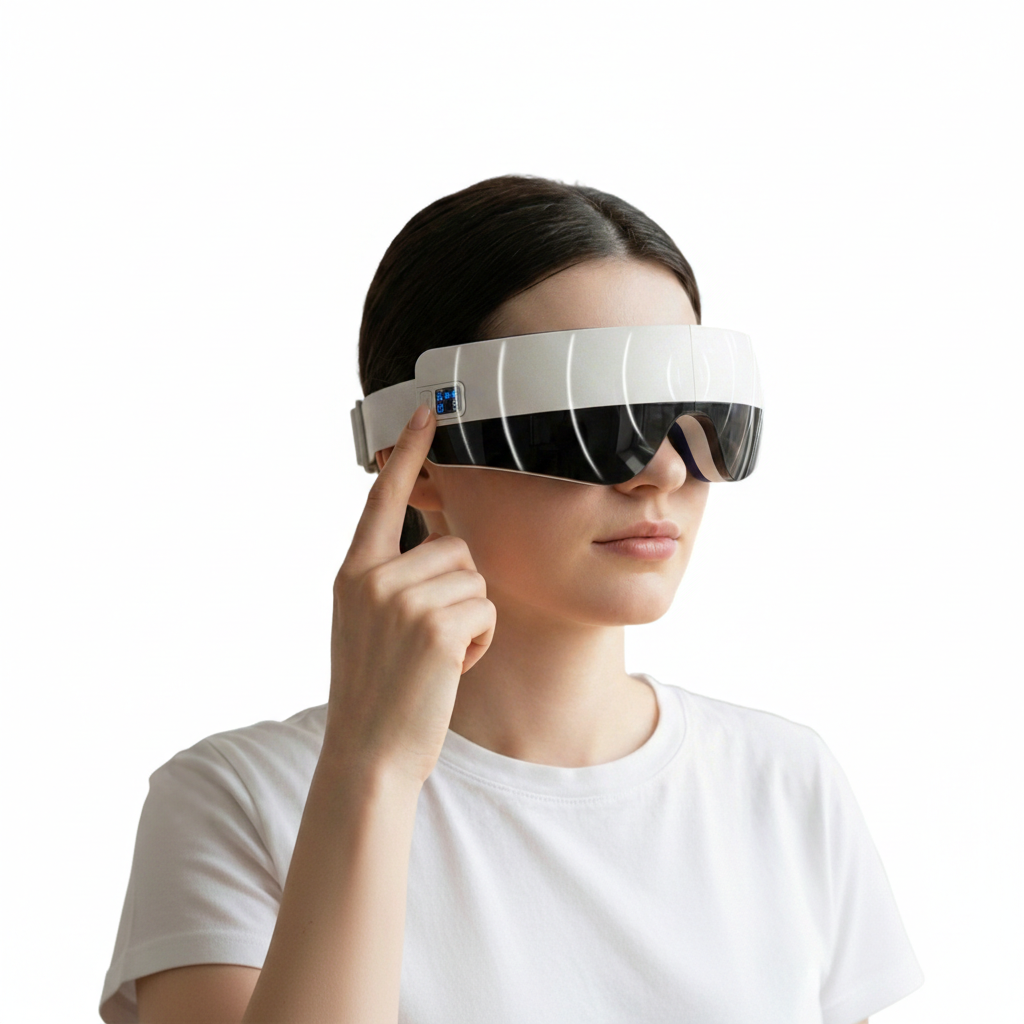
Step 4 · Choose Your Mode
Single click to switch to Level 2.
Double click to change massage modes.
The device supports both manual control and voice control.
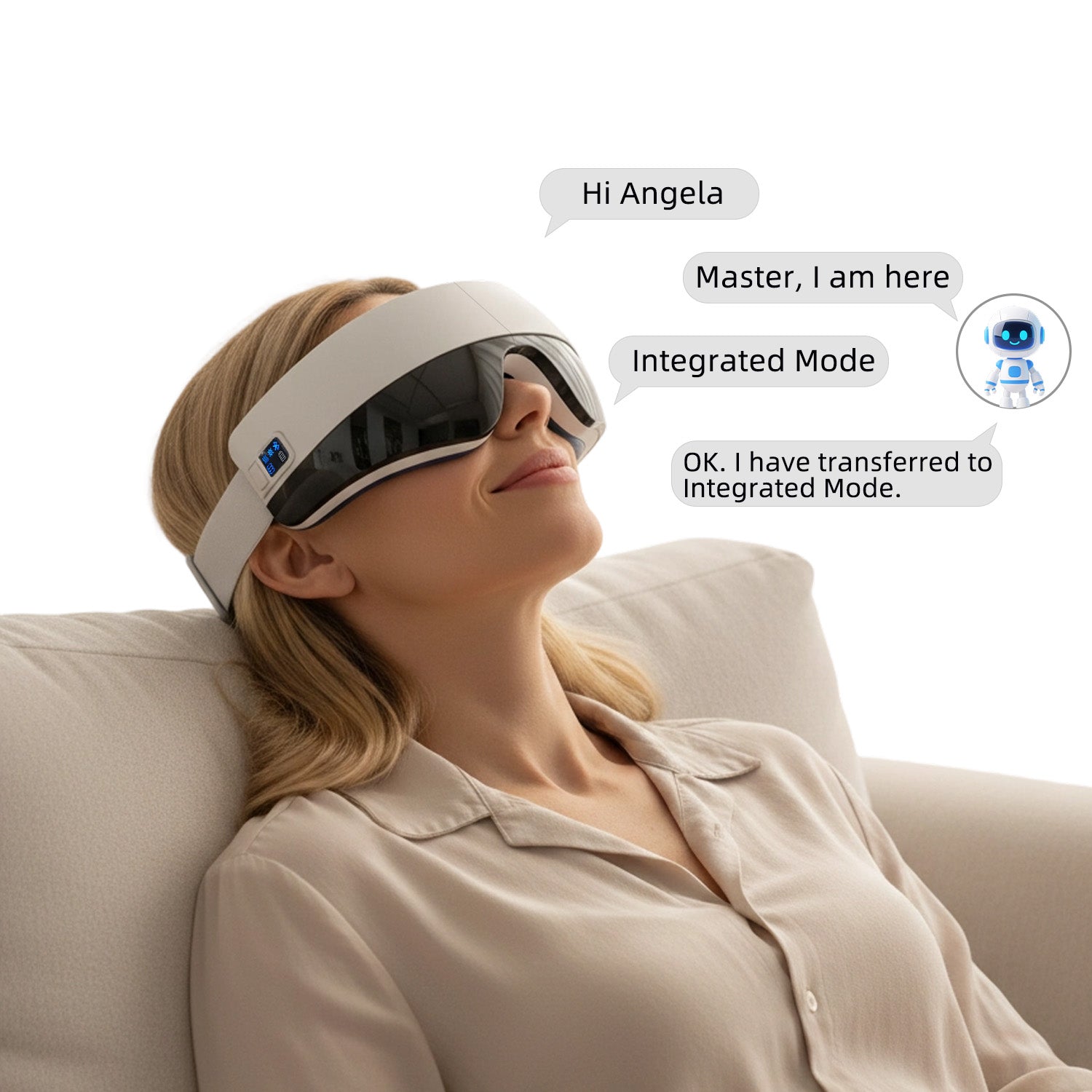
Step 5 · Voice Control
Say “Hello Angela” or “Hi Angela” to activate voice control.
Speak your desired mode within 8 seconds to begin.
Voice Command
· Integrated Mode: Heating + Vibration + Air Pressure Massage
· Soothing Mode: Heating + Vibration Massage
· Vitality Mode: Heating + Air Pressure Massage
· Sleeping Mode: Heating Only
· Kneading Mode: Air Pressure Massage Only (No Heating or Vibration)
Step 6 · Relax and Enjoy
Sit back, close your eyes, and enjoy a 15-minute massage session.
The device will shut off automatically when the session ends.
Step 1 · Charge the Device
Connect the eye massager to a standard 5V–1A power adapter using the included USB cable. The indicator light flashes red while charging and stays solid when fully charged.
Helpful Tips
Recommended usage time: 15 minutes per session. Avoid using for more than one session at a time. Stop use immediately if discomfort occurs.
Step 2 · Put It On
Place the eye massager over your eyes and adjust the strap until it feels comfortable and secure. Make sure it fully covers the eye area without pressure or discomfort.
Step 3 · Power On
Press and hold the power button for 3–4 seconds to turn the device on. It will start automatically in Integrated Mode at Level 1.
Step 4 · Choose Your Mode
Single click to switch to Level 2.
Double click to change massage modes.
The device supports both manual control and voice control.
Step 5 · Voice Control
Say “Hello Angela” or “Hi Angela” to activate voice control.
Speak your desired mode within 8 seconds to begin.
Voice Command
· Integrated Mode: Heating + Vibration + Air Pressure Massage
· Soothing Mode: Heating + Vibration Massage
· Vitality Mode: Heating + Air Pressure Massage
· Sleeping Mode: Heating Only
· Kneading Mode: Air Pressure Massage Only (No Heating or Vibration)
Step 6 · Relax and Enjoy
Sit back, close your eyes, and enjoy a 15-minute massage session.
The device will shut off automatically when the session ends.
FAQ
How do I turn on the device, switch modes, and connect to Bluetooth?
Power On/Off: Press and hold the power button for 3-4 seconds to turn the device on or off.
Switching Modes: After powering on, the device defaults to "Integrated Mode". You can cycle through the five modes (Integrated, Soothing, Vitality, Sleeping, and Pressure) by short-pressing the power button.
Bluetooth Pairing: Once turned on, Bluetooth is automatically activated. Search for the device name "Soojer" in your phone's Bluetooth settings to pair and play music.
Voice Control: You can also use voice commands such as "Sleeping mode" or "Kneading mode" to change settings hands-free.
What are the charging requirements and safety tips?
Adapter: Use a standard 5V/1A mobile phone charger.
Indicators: The battery icon flashes during charging and stays solid once fully charged.
Safety: Do not use the device while it is charging. Ensure the Type-C port is clean and the cable is firmly inserted.
Who should avoid using this massager?
Medical Conditions: Individuals with serious eye conditions like glaucoma, cataracts, or retinal detachment, or those who have had recent eye surgery, should not use this product.
Contact Lenses: You must remove contact lenses before use.
Usage Time: Limit sessions to 15 minutes to prevent eye discomfort.
How long will it take to get my orders?
It depends on where you are. Orders processed here will take 5-7 business days to arrive. Overseas deliveries can take anywhere from 7-16 days. Delivery details will be provided in your confirmation email.
What is your return policy?
30-Day Window: You can request a return or exchange within 30 days of receiving your product.
Quality Issues: If the product is defective, Soojer covers all return shipping costs.
Non-Quality Returns: For reasons like "change of mind" or "incorrect order," a 15% restocking fee is deducted from your refund to cover handling.
Condition: Items must be unused and in their original packaging. If the packaging or product is damaged, 15%–50% of the price may be deducted.
Any question?
You can contact us through our contact page! We will be happy to assist you.